• SCAD x CATT x Harbor x ETC

    Team Members

    Anna Goodwin – Project Coordinator/Lighting

    Robyn Roach – Compositing Lead

    Danci Shen – Look Dev/Virtual production

    Bua Kanjanapongporn – Look Dev/ Lighting

    Sheng Hao Wang – Modeling/Rigging/Animation

    2/11

    Hello, this is the sixth week of the SCAD x CATT x Harbor x ETC blog!

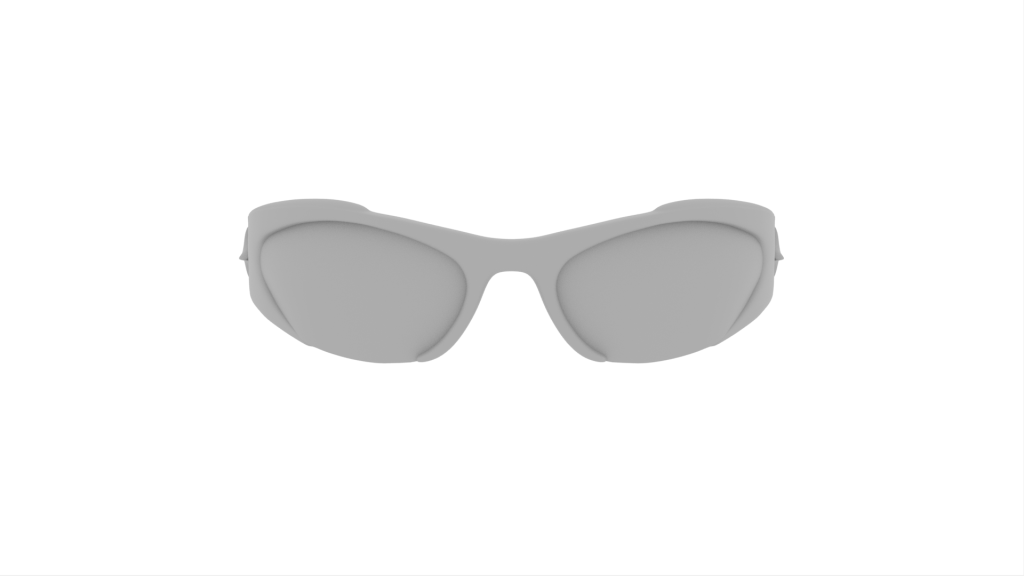
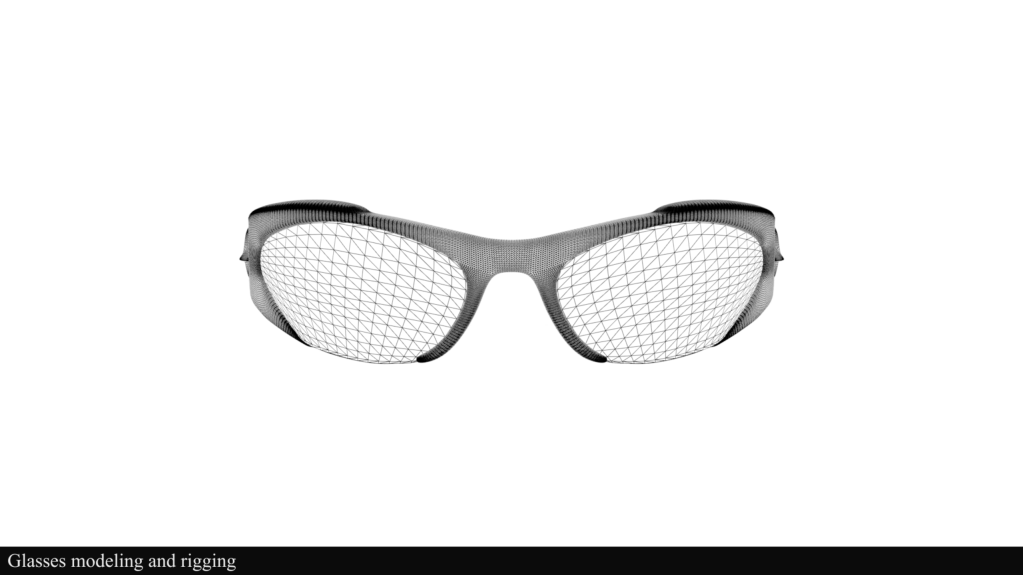
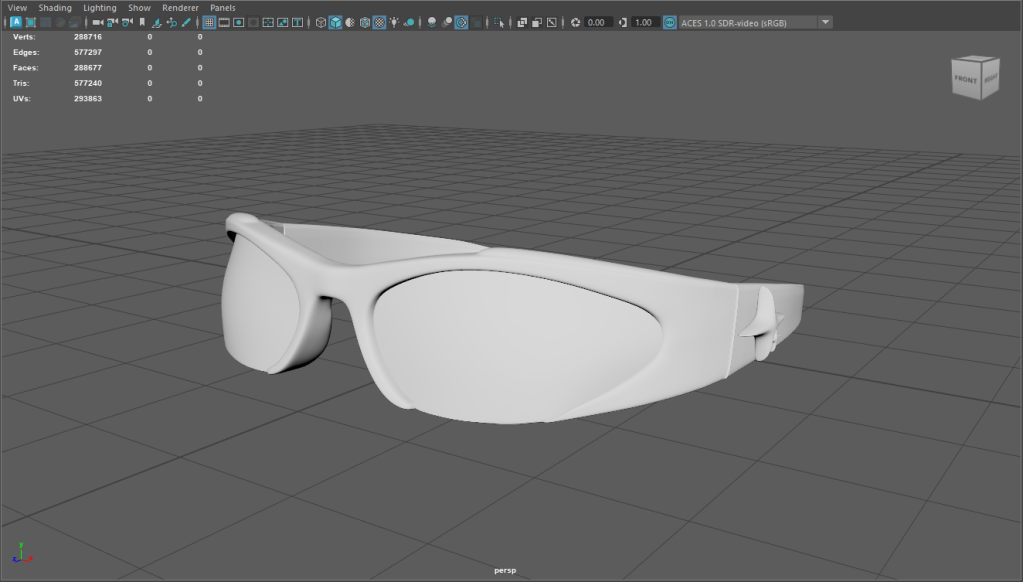
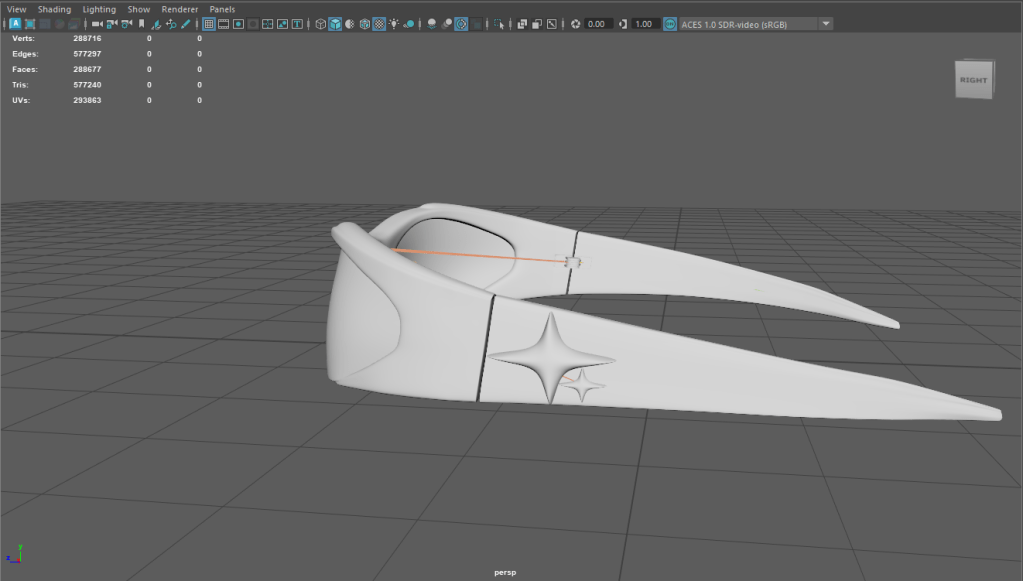
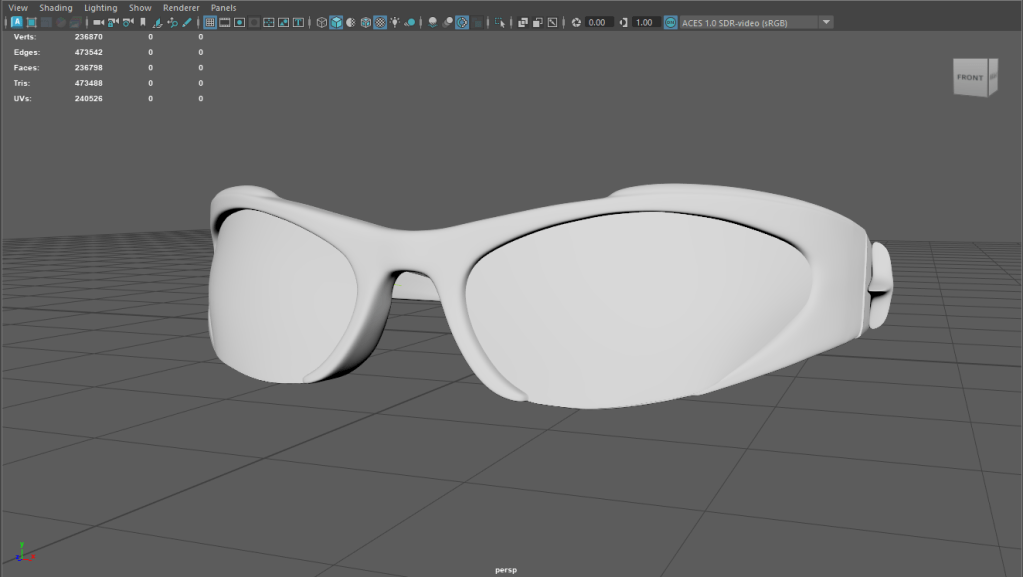
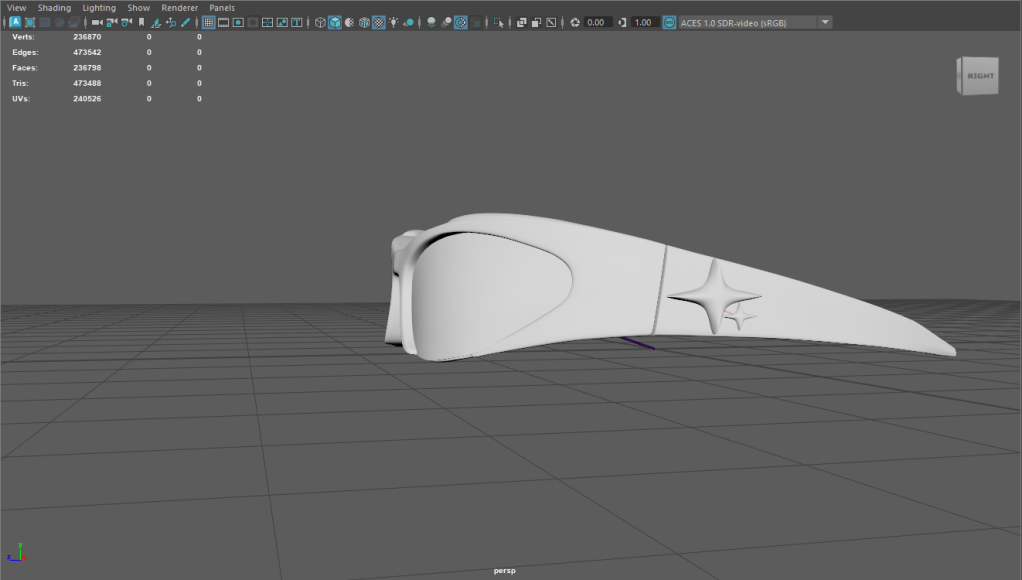
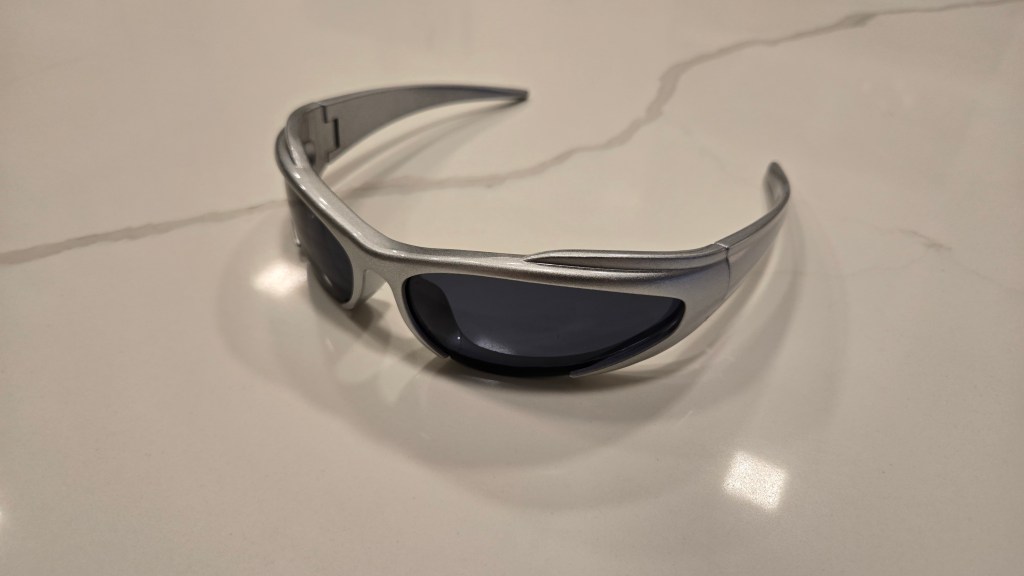
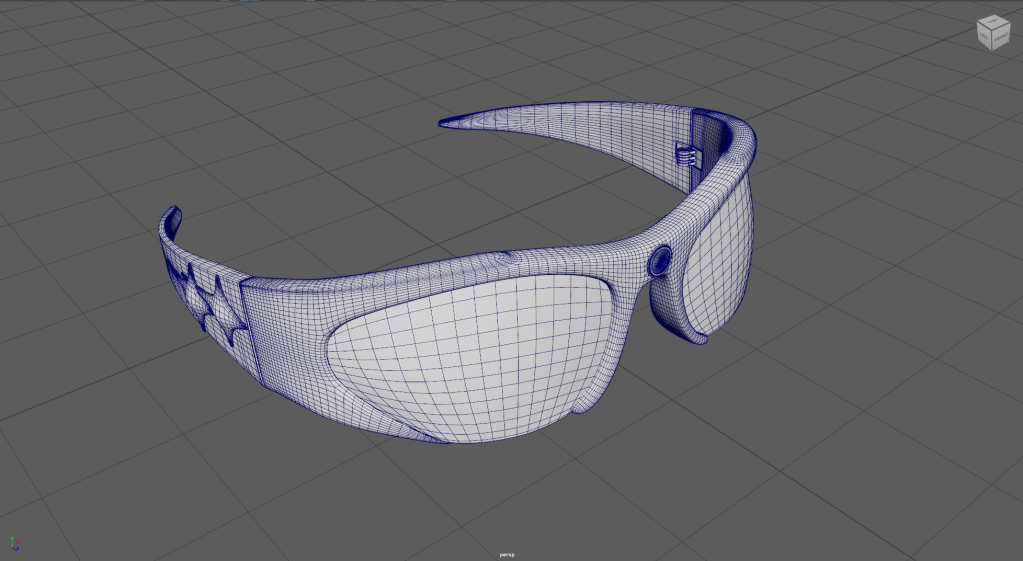
    Based on the mentor’s feedback on project direction on Tuesday, and the green light to remove the camera component from the glasses. The next important step for the team is to complete the full CG shots for our piece. To help the team achieve that, my task would start by modifying our current CG glasses to match our physical ones as closely as possible. First, by removing the camera from the glasses.

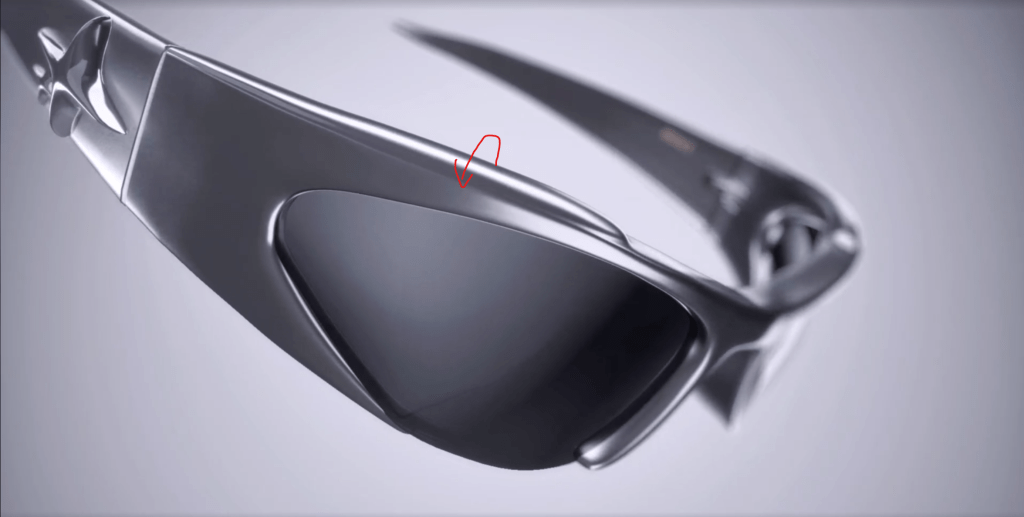
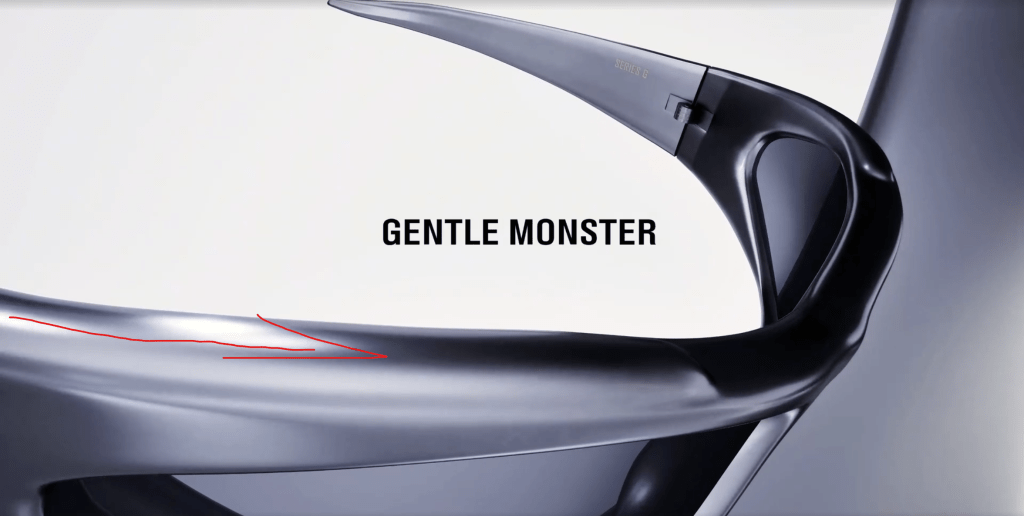
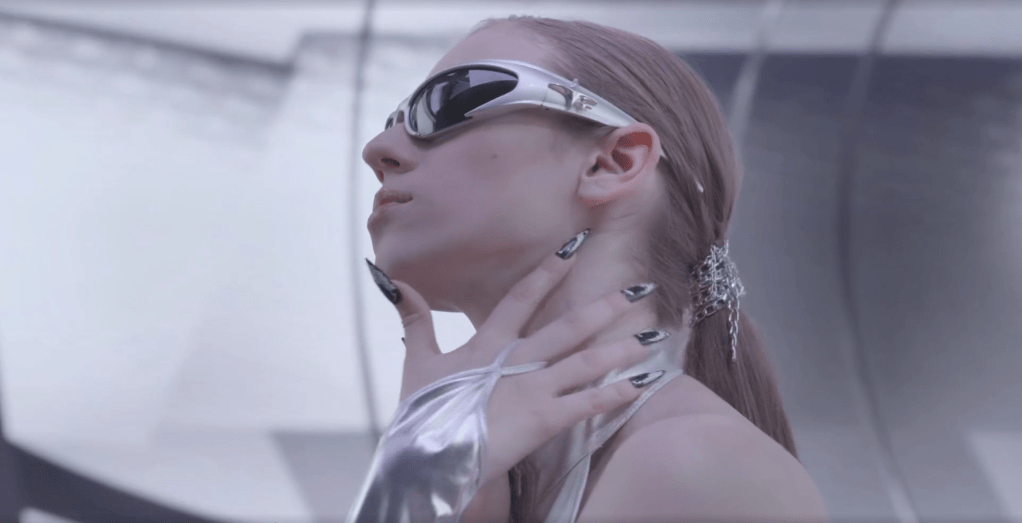
    Then, squeeze the glasses along the Y axis to achieve a narrower profile, and curve the corners upward to match the physical glass look.

    Once the team agrees that the digital glasses match our physical version, I hand the file to Bua for texturing and lighting.

    2/13

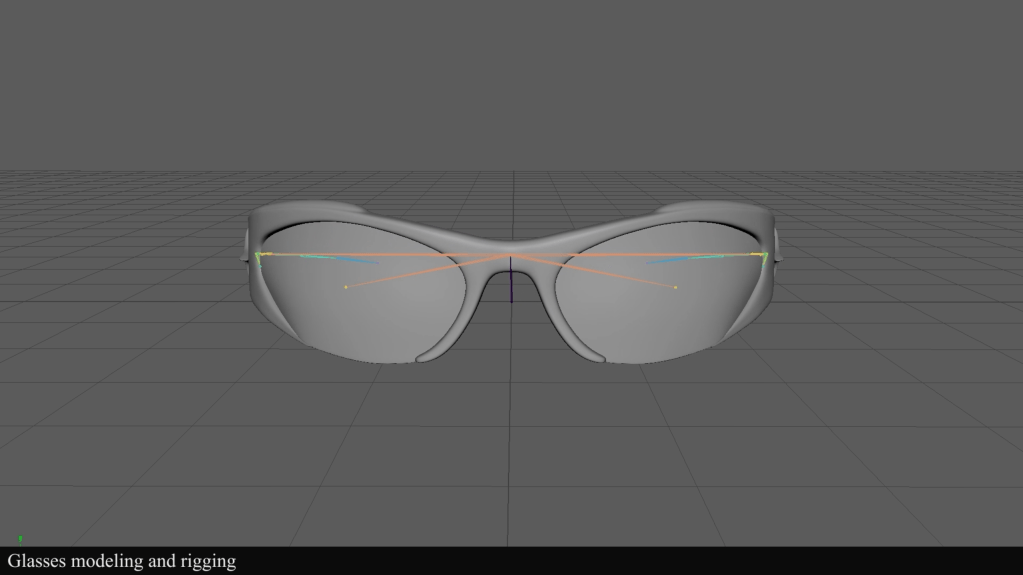
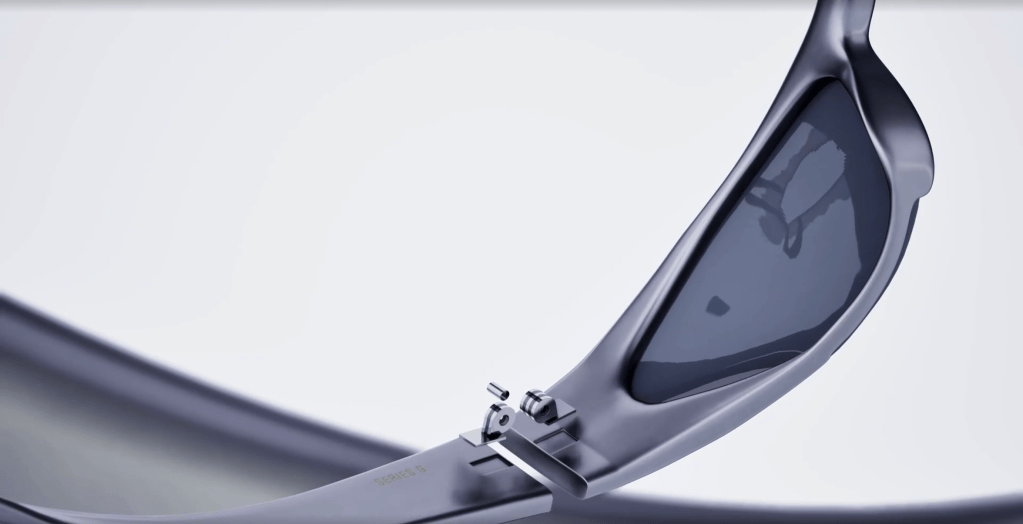
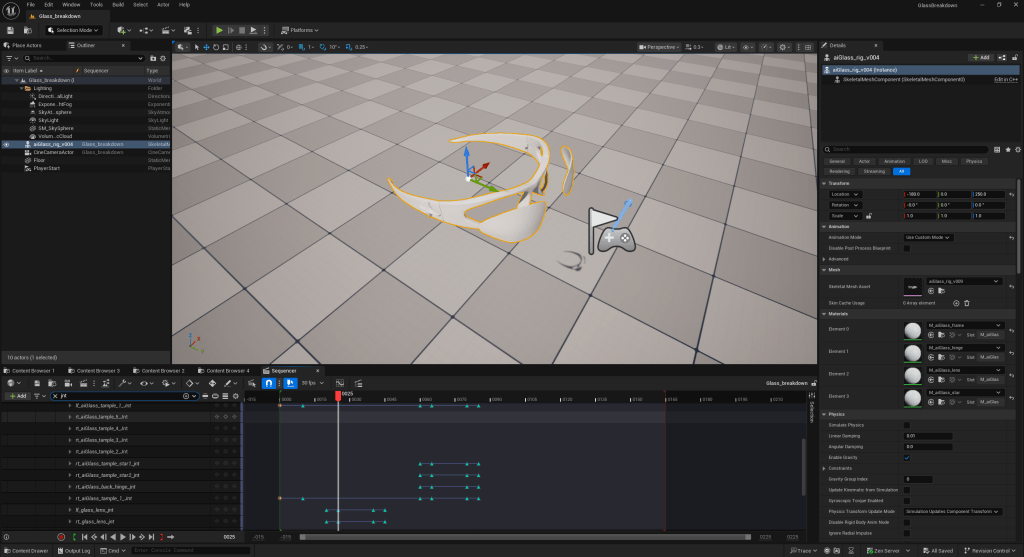
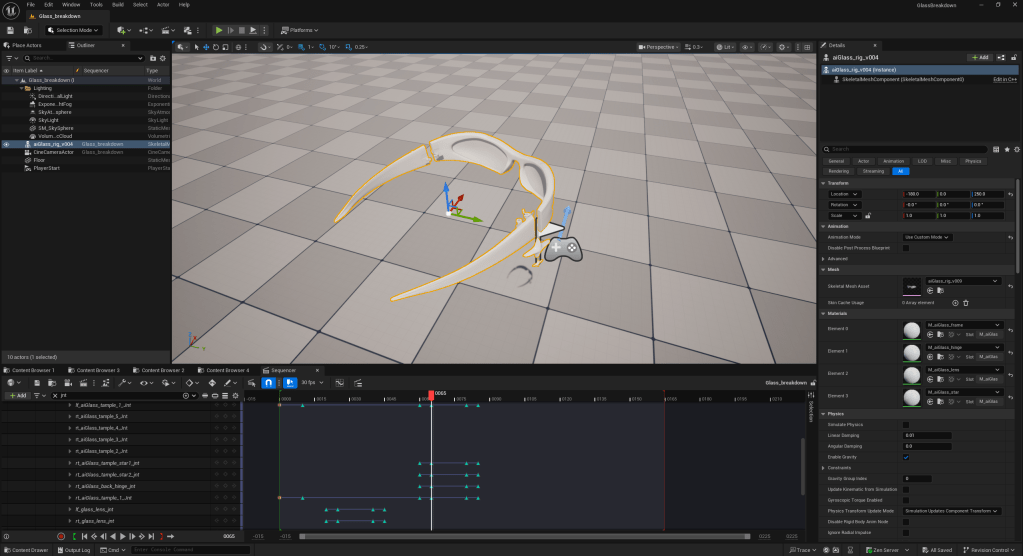
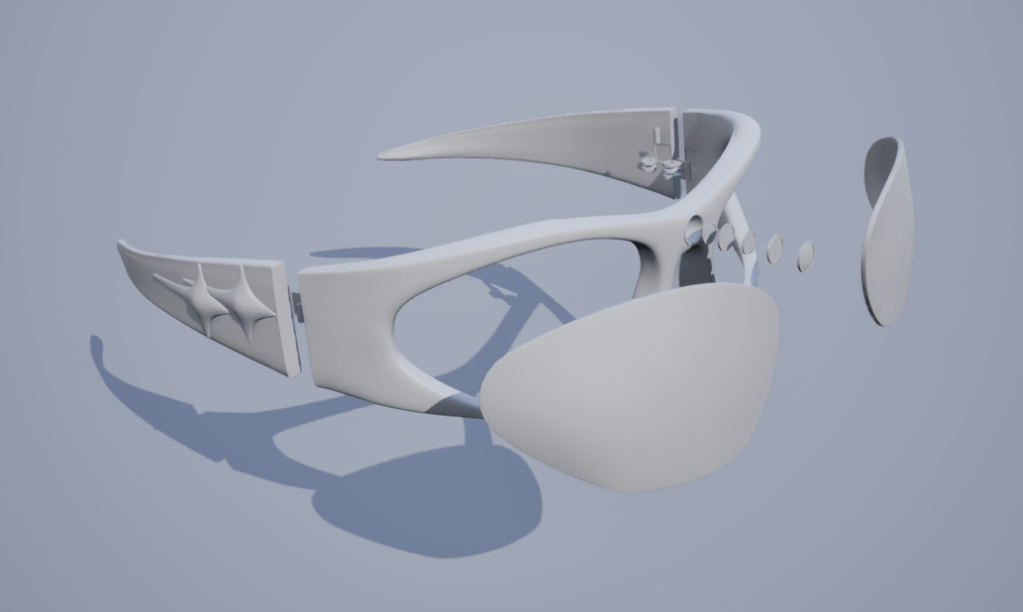
    After cleaning up the glasses model and rig, the next step for me would be creating the glasses breakdown animation in Unreal Sequencer for our breakdown shot.

    Based on the team’s feedback, they like how the component pops out, but they’re unsure about the glasses’ spin, so I am looking for an alternative way to do the version two breakdown.

  • SCAD x CATT x Harbor x ETC

    Team Members

    Anna Goodwin – Project Coordinator/Lighting

    Robyn Roach – Compositing Lead

    Danci Shen – Look Dev/Virtual production

    Bua Kanjanapongporn – Look Dev/ Lighting

    Sheng Hao Wang – Modeling/Rigging/Animation

    2/4

    Hello, this is the fifth week of the SCAD x CATT x Harbor x ETC blog!

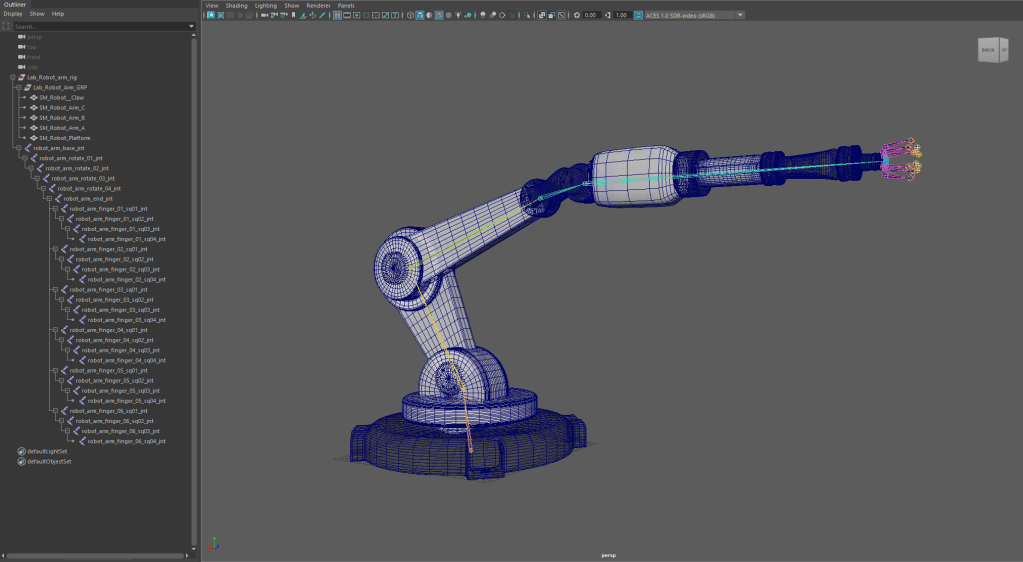
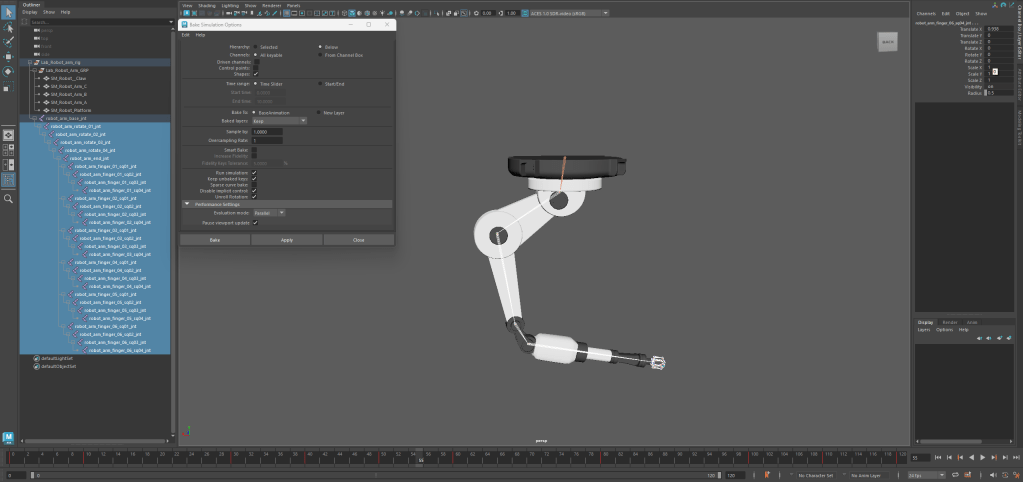
    Tomorrow is the big day (XR shoot) for the team!!! But still had quite a few things to do before getting on the stage. Based on the to-do list, the team wanted to refine the robot arm animation for one of the environments used on the XR stage. To facilitate new animation, I took the model Bua acquired early on and installed a new joint rig so we can bake movement keys into the joints, allowing us to export the animation alongside the asset FBX.

    Next, based on the XR stage requirements, I fine-tune the loop animation in response to the team’s feedback from our evening Zoom meeting the day before the XR stage shoot.

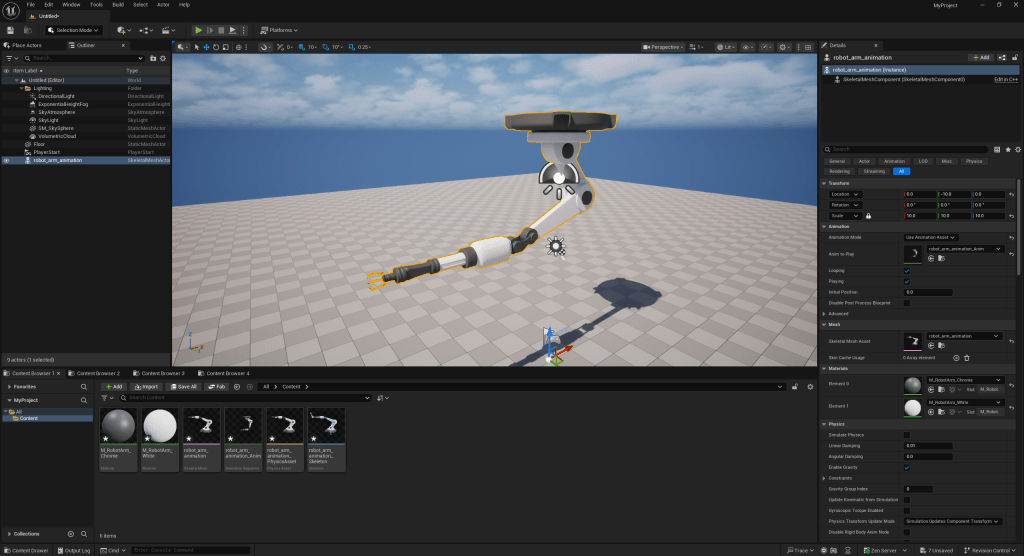
    Then I import the FBX file into Unreal Engine to ensure all required assets are in order before handing the file to Bua for scene integration.

    2/5

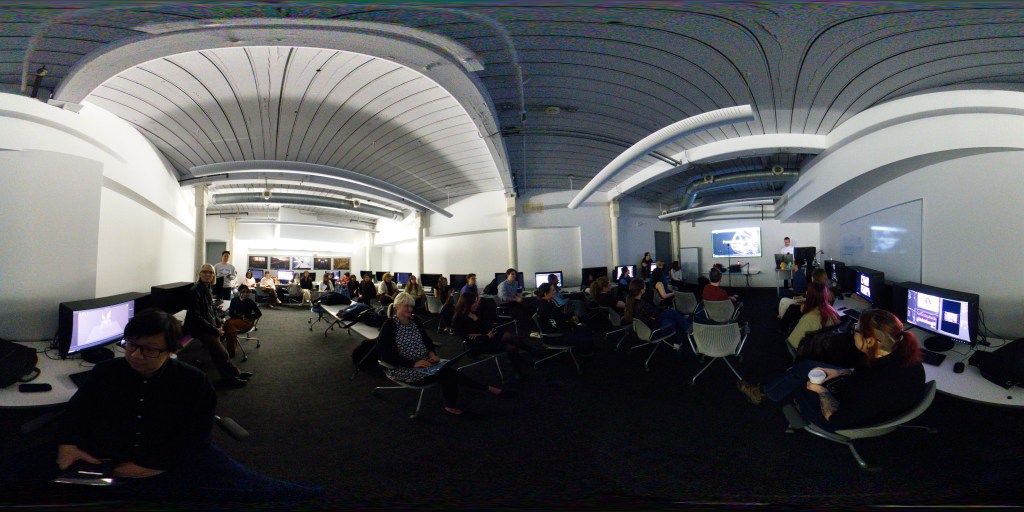
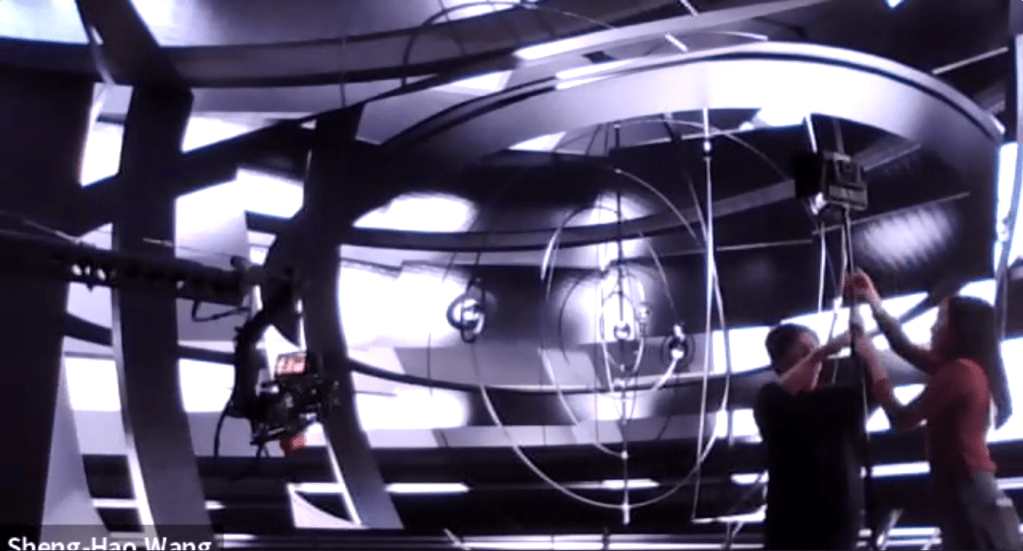
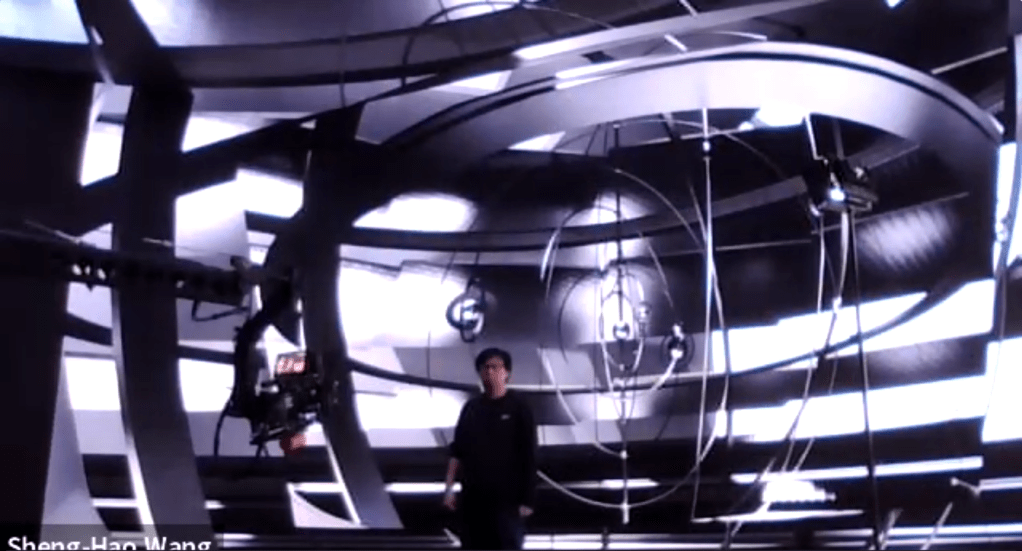
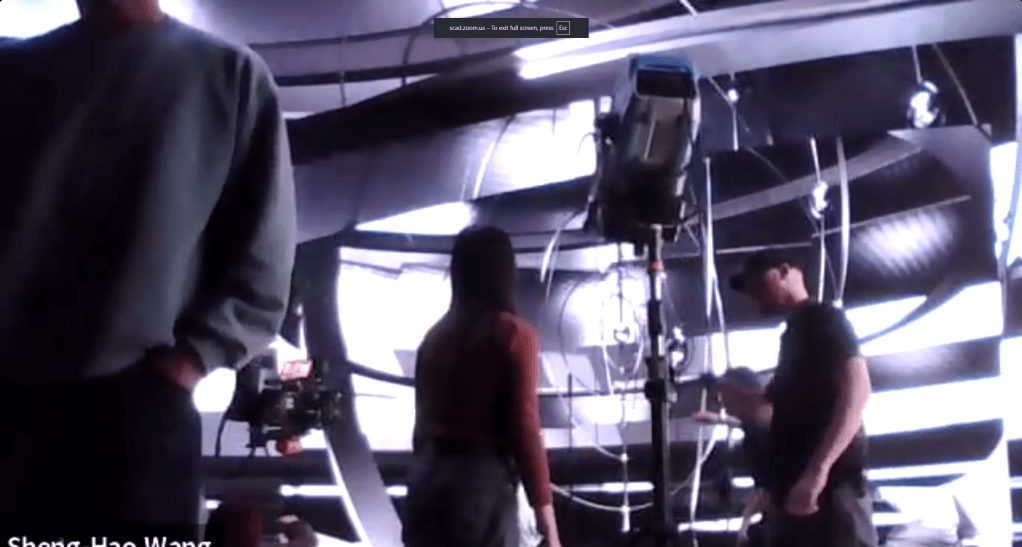
    Finally, the day that the team has been preparing for!!! The team starts the day on the XR stage at 9 in the morning. During preparation, I set up a Zoom link to livestream the team’s progress on the XR shoot to the rest of the class and the mentors. We were excited when Kyle joined the meeting early and gave me a quick tour of the work we were doing.

    During the shoot, I helped out Bua set up practical lights to match the lighting conditions of our Unreal environments, so our actress would not look out of place in comparison to our digital environments.

    In the kinetic room, we set up large spotlights (with help from Conner) to simulate overhead lighting, which solved the lighting angle problem we had with the equipment we brought

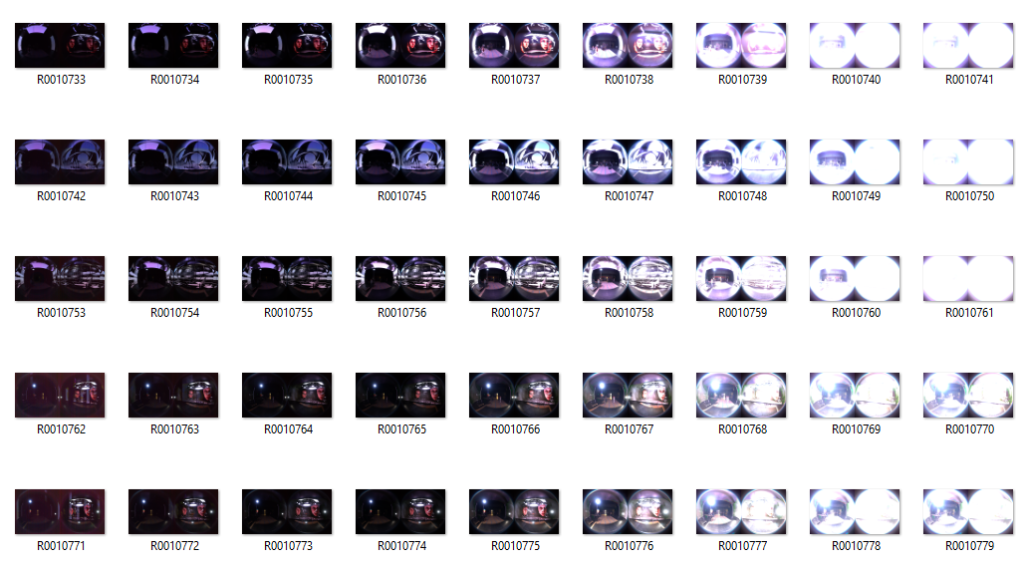
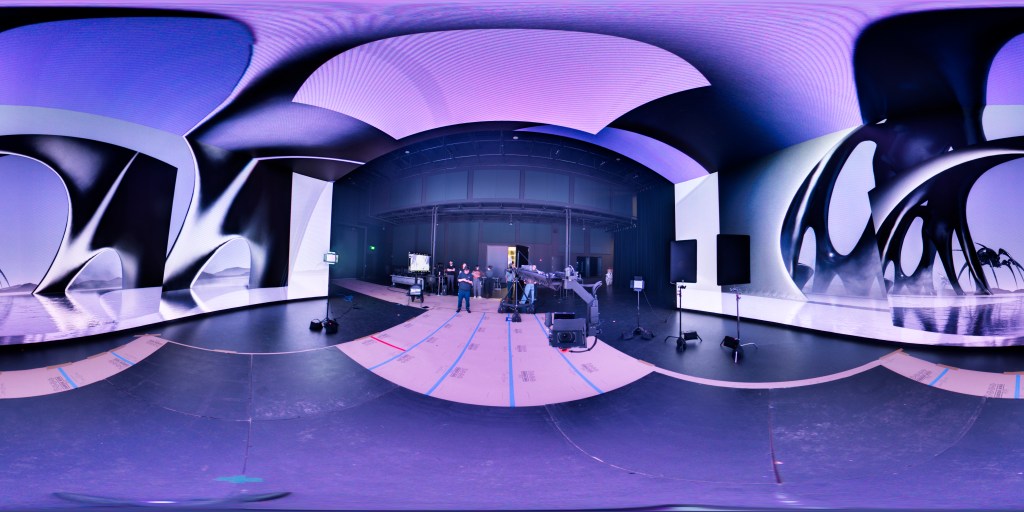
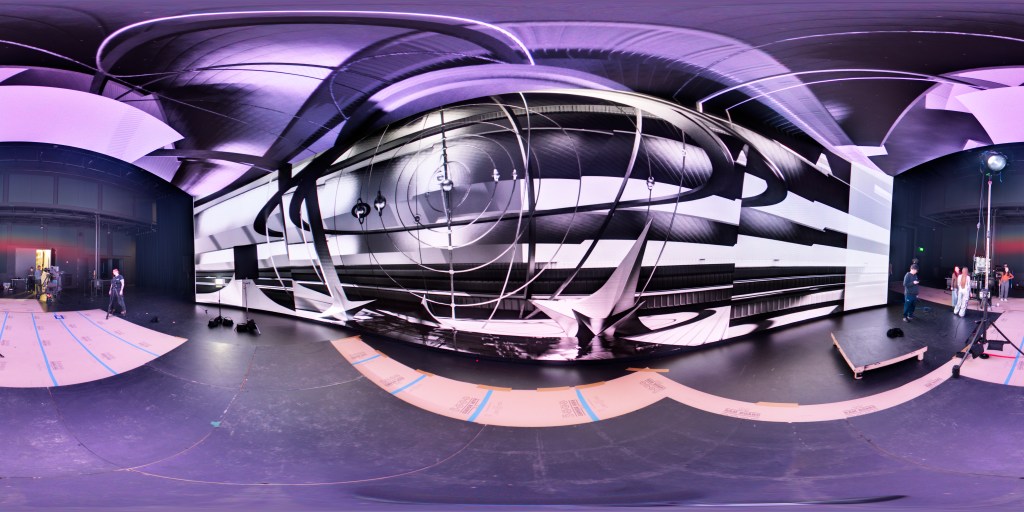
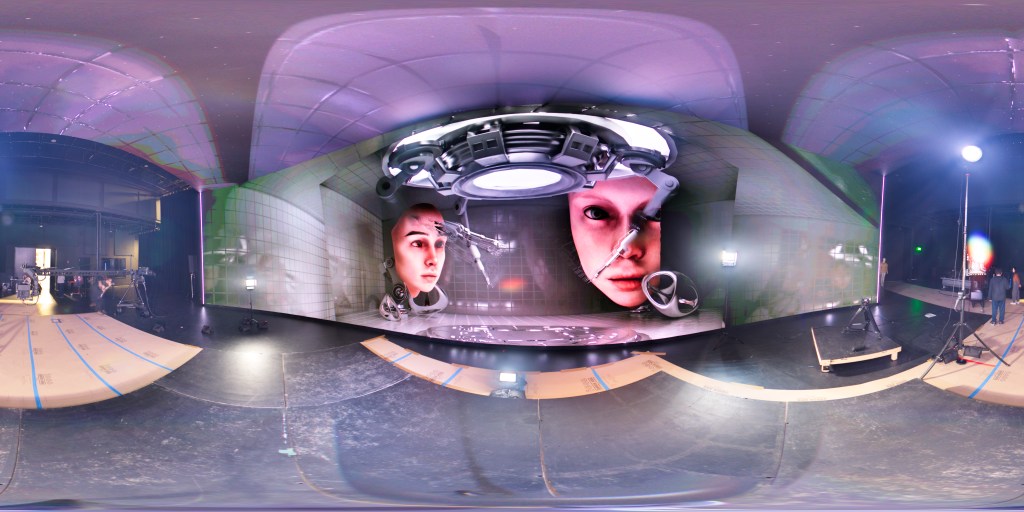
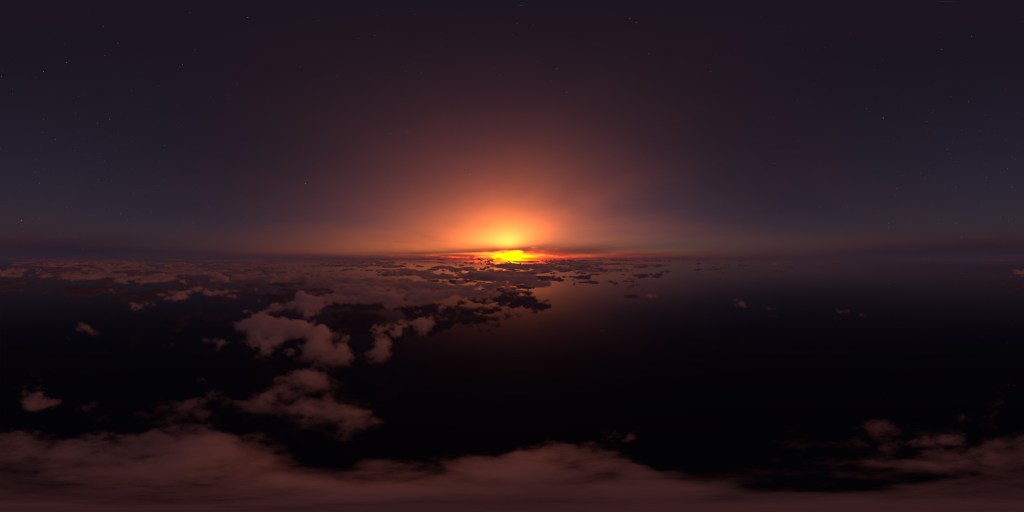
    Throughout the day’s shoot, I have the important task of helping the team capture HDRI photos for each digital environment we use. Before capturing the HDRI photos, I thought they probably wouldn’t work well with the XR stage, but to my surprise, they worked really well, and the data came out great, with the small issue of a purple hue that we need to clean up.

    We wrap up the XR shoot by transferring the footage captured with the XR stage camera. And the size of the data we got from the whole day shoot is quite large (405GB). Which also took me overnight to upload all the data onto the team dropbox.

  • SCAD x CATT x Harbor x ETC

    Team Members

    Anna Goodwin – Project Manager/Look Dev/Lighting

    Robyn Roach – VFX Supervisor/Compositing

    Danci Shen – Look Dev/Virtual production

    Bua Kanjanapongporn – Look Dev/ Lighting

    Sheng Hao Wang – Real Time Pipeline/Lighting

    2/2

    Hello, this is the fourth week of the SCAD x CATT x Harbor x ETC blog!

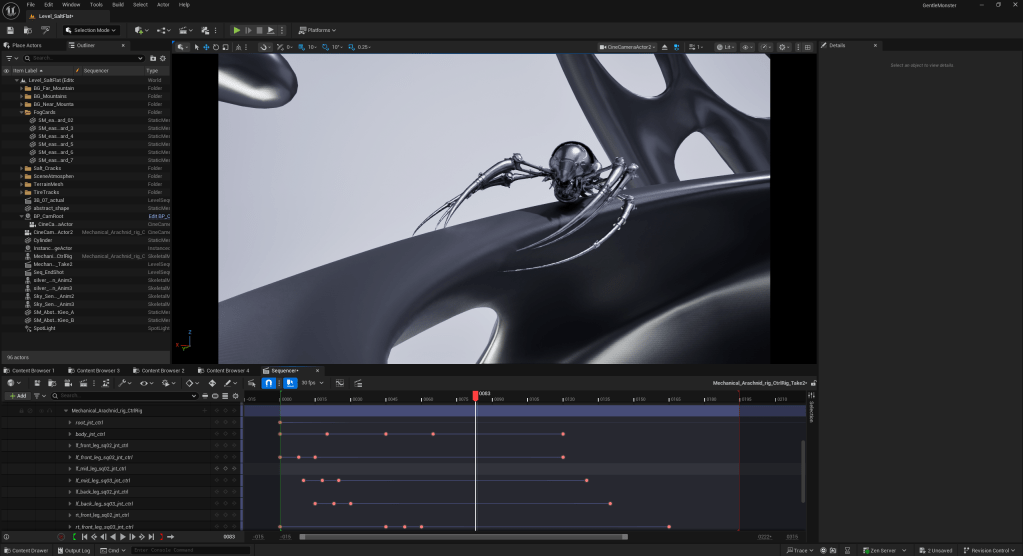
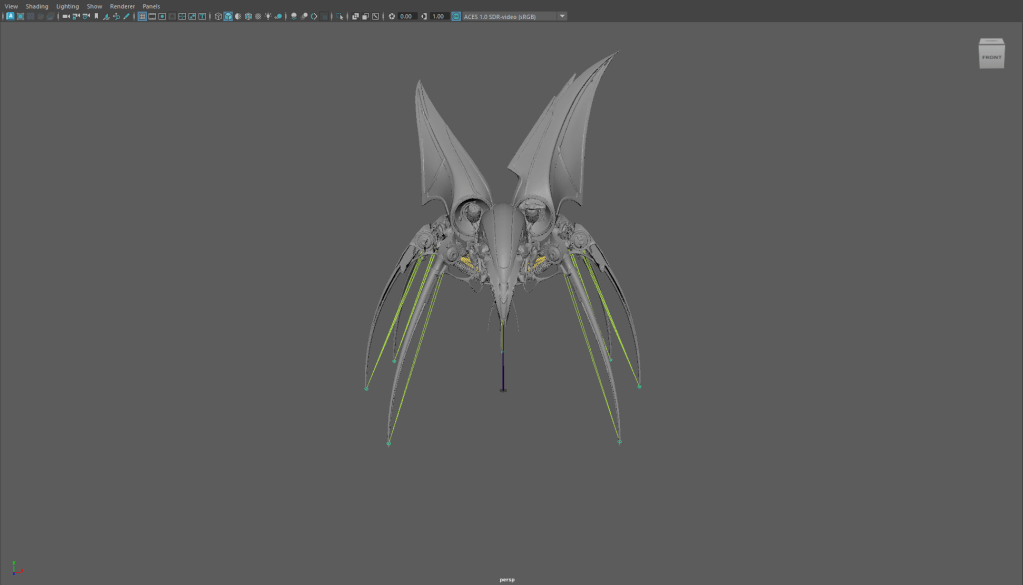
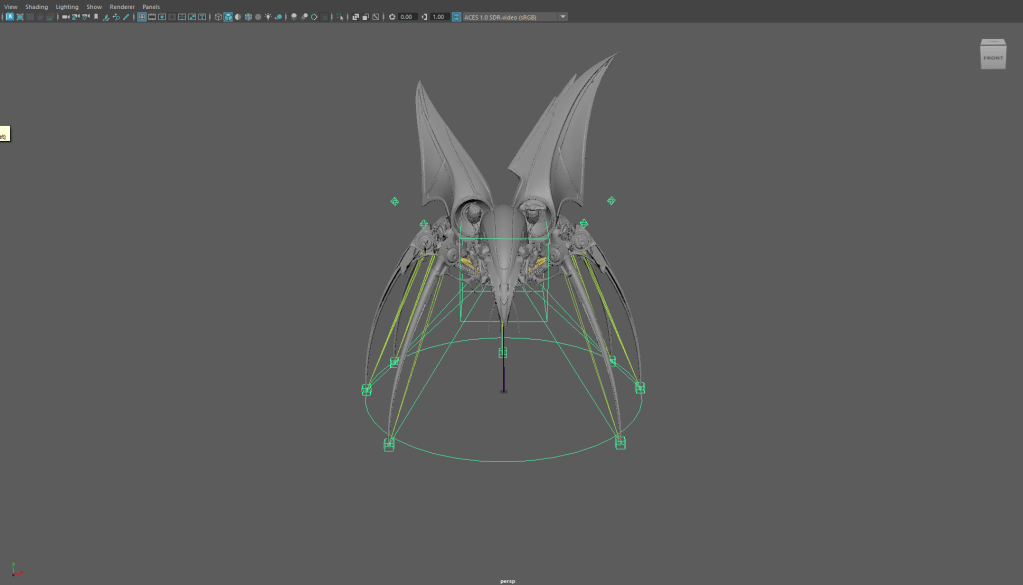
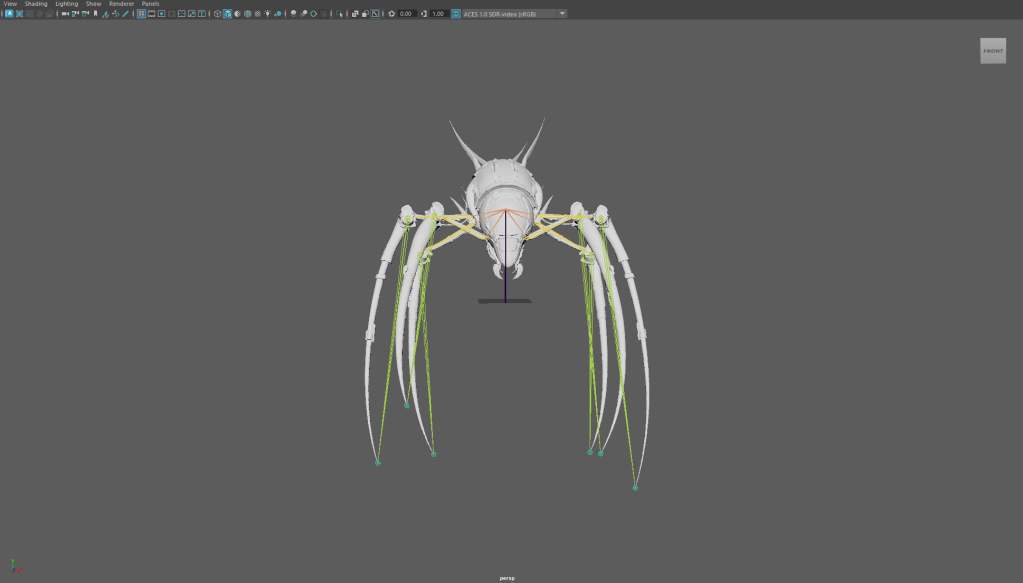
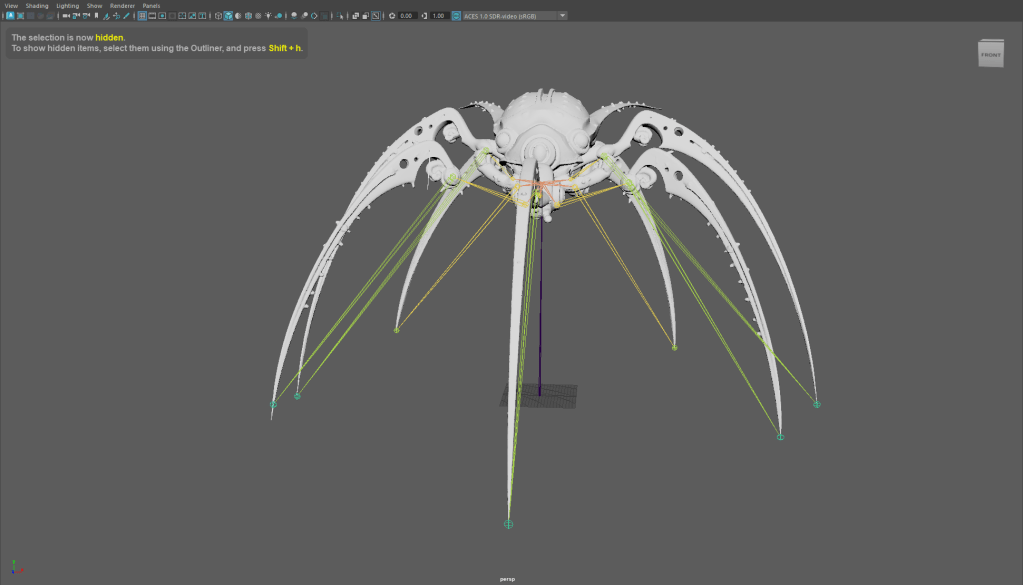
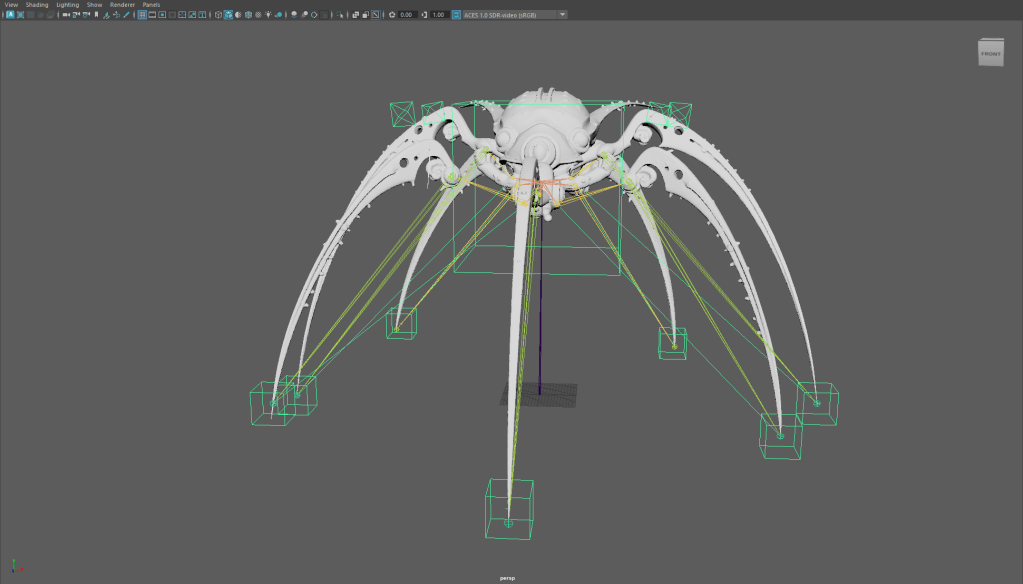
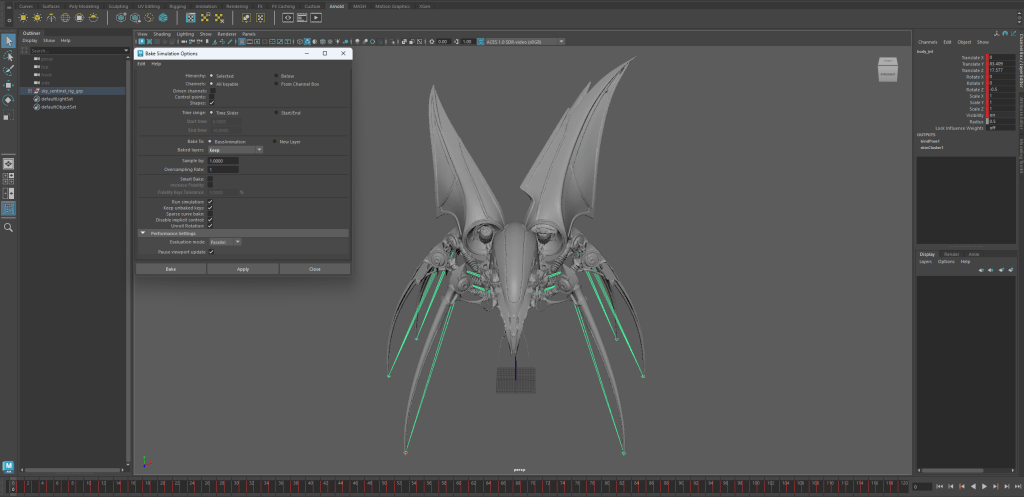
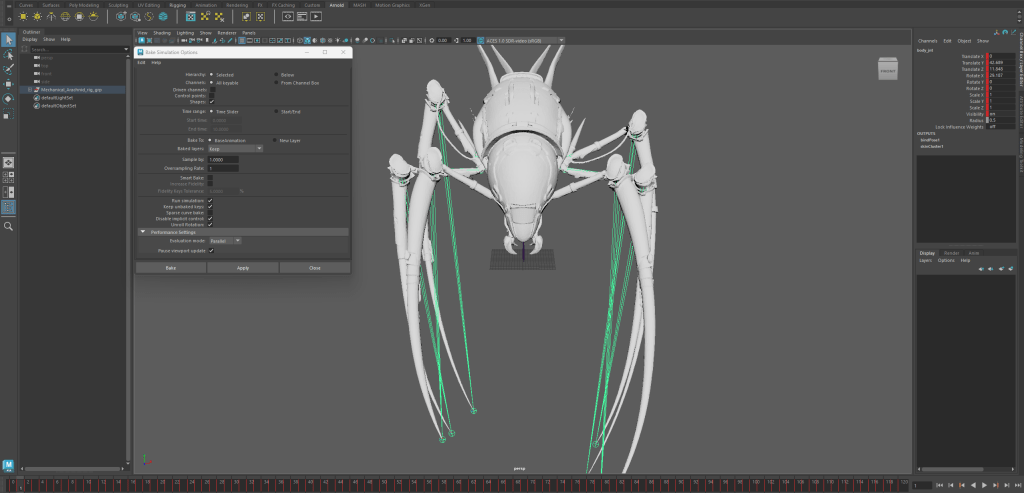
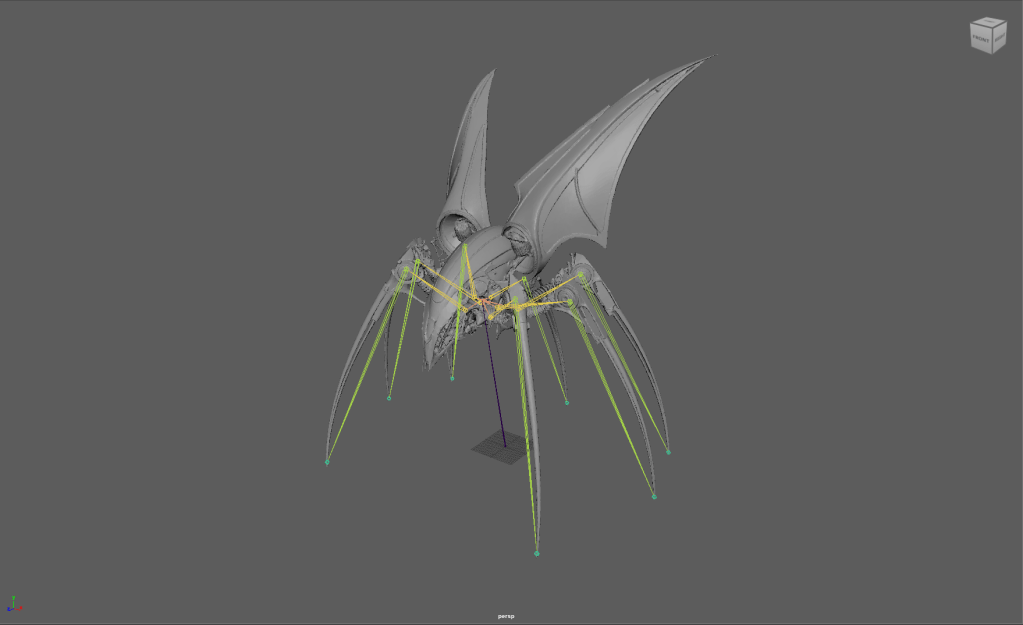
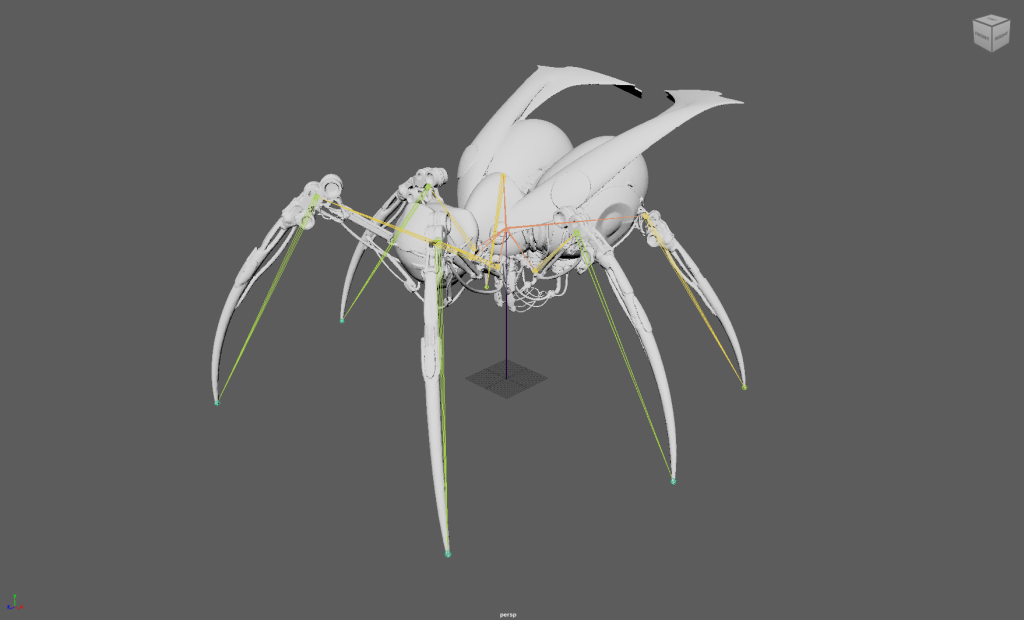
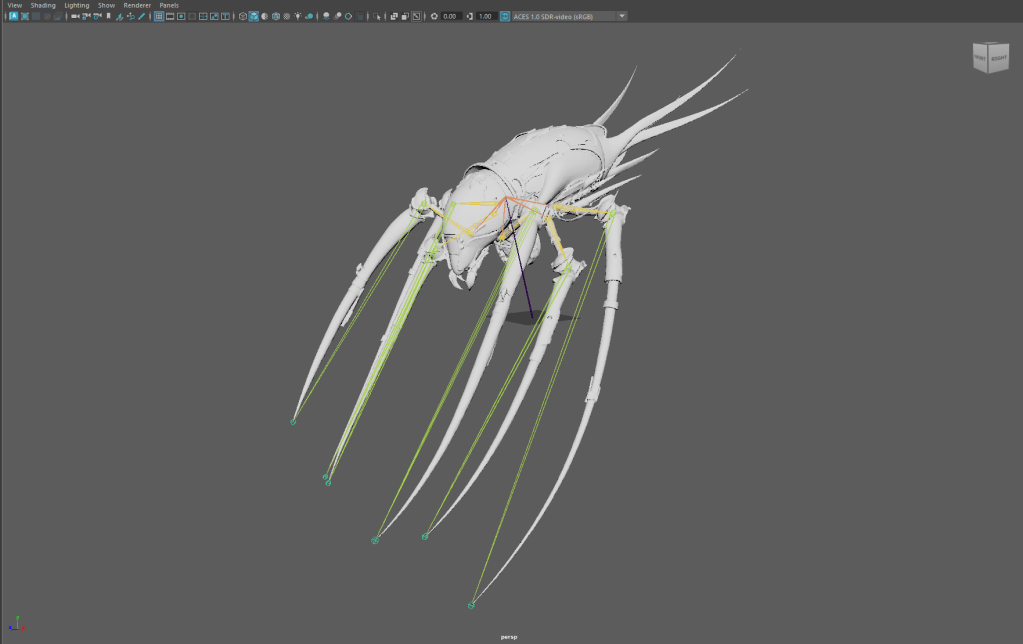
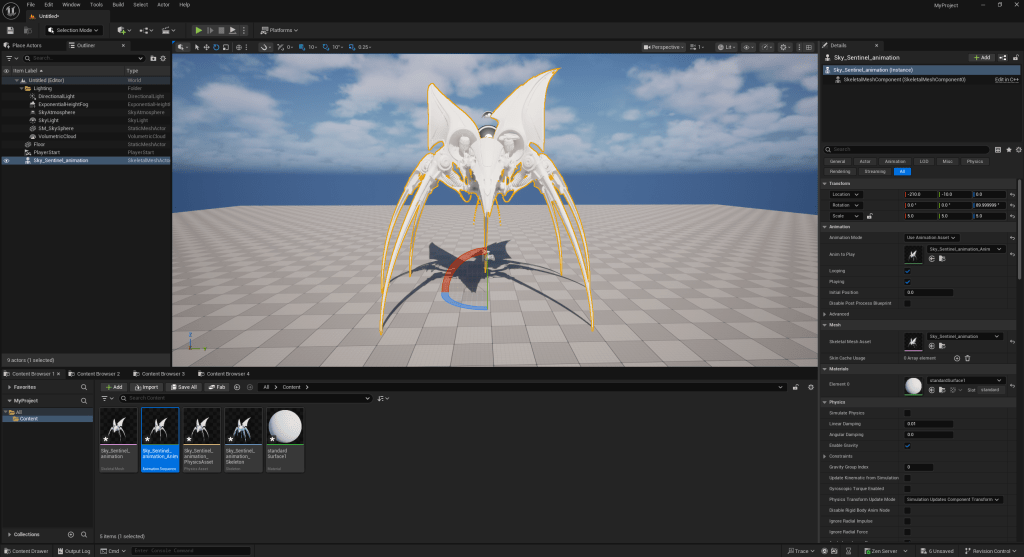
    With the mentor’s notes from Tuesday, the team created a to-do list after the load test. My task in preparation for the XR shoot ahead of us is to bake the spiders’ animation into FBX before importing them into Unreal Engine, which will give Danci full control of the sequencers so she can prepare them for the XR use.

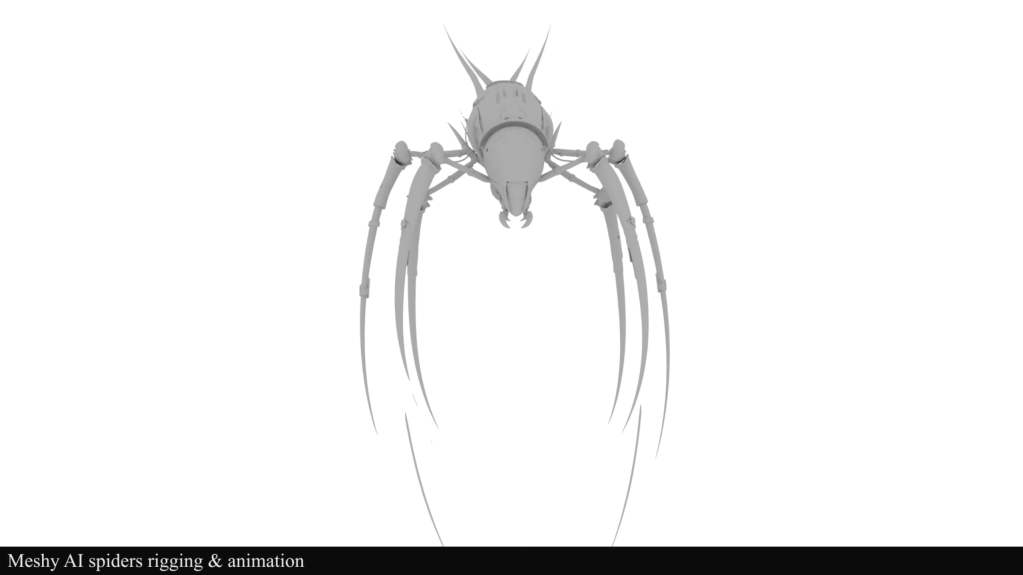
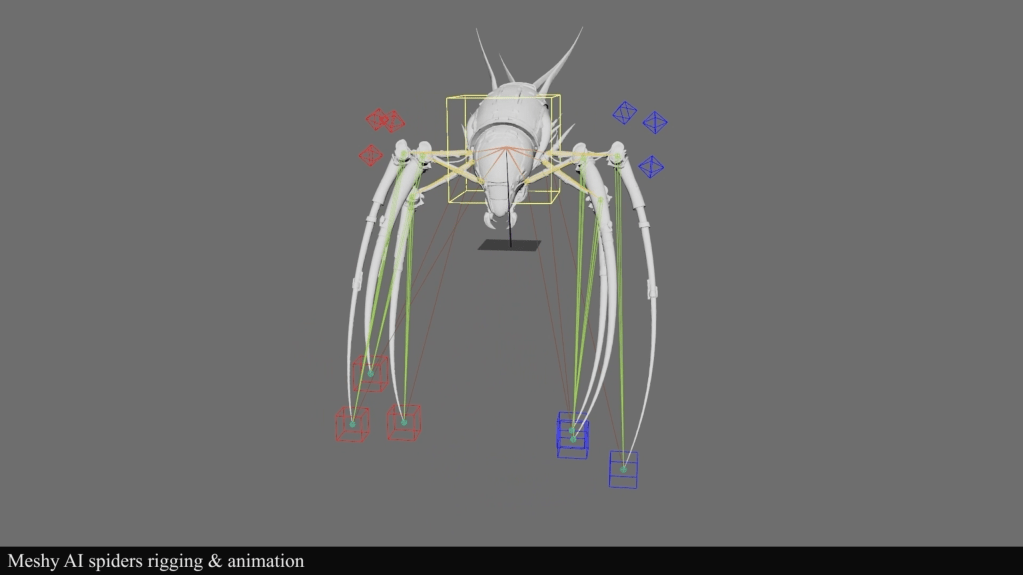
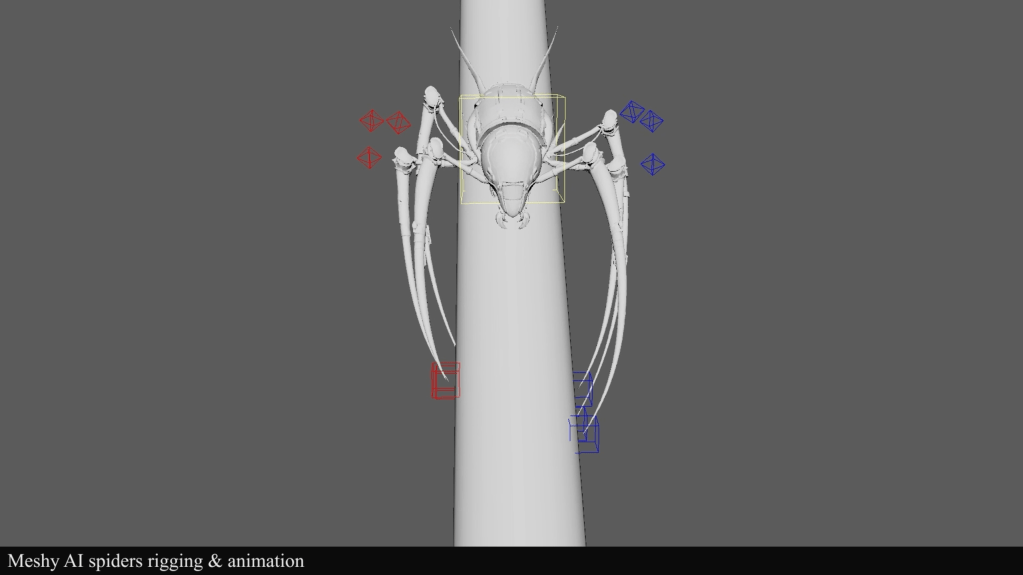
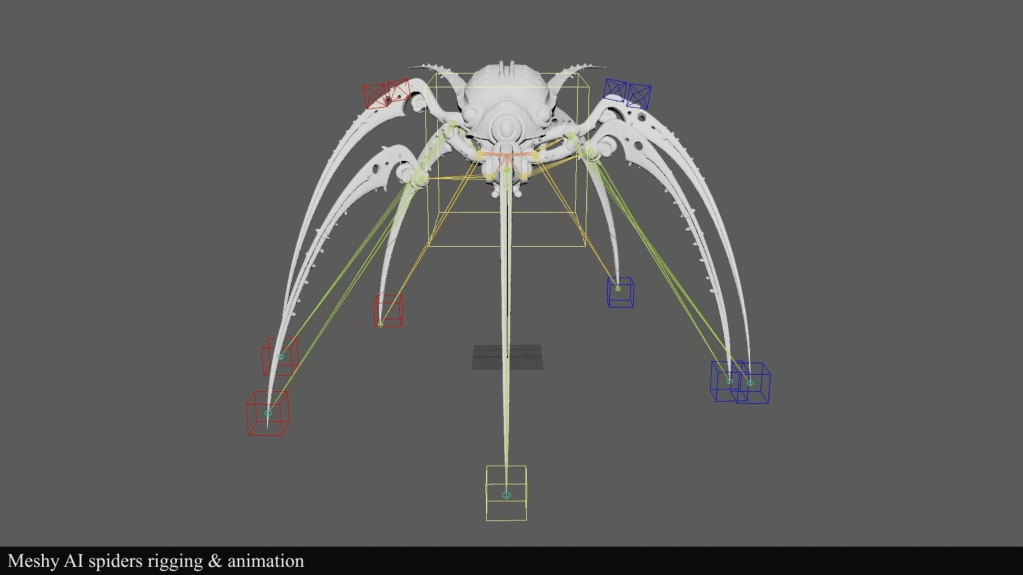
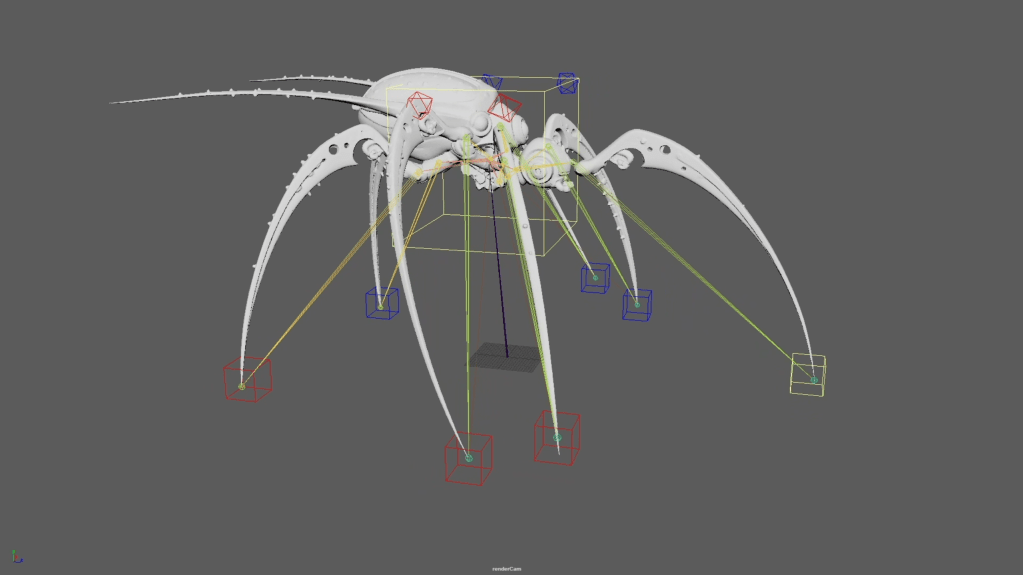
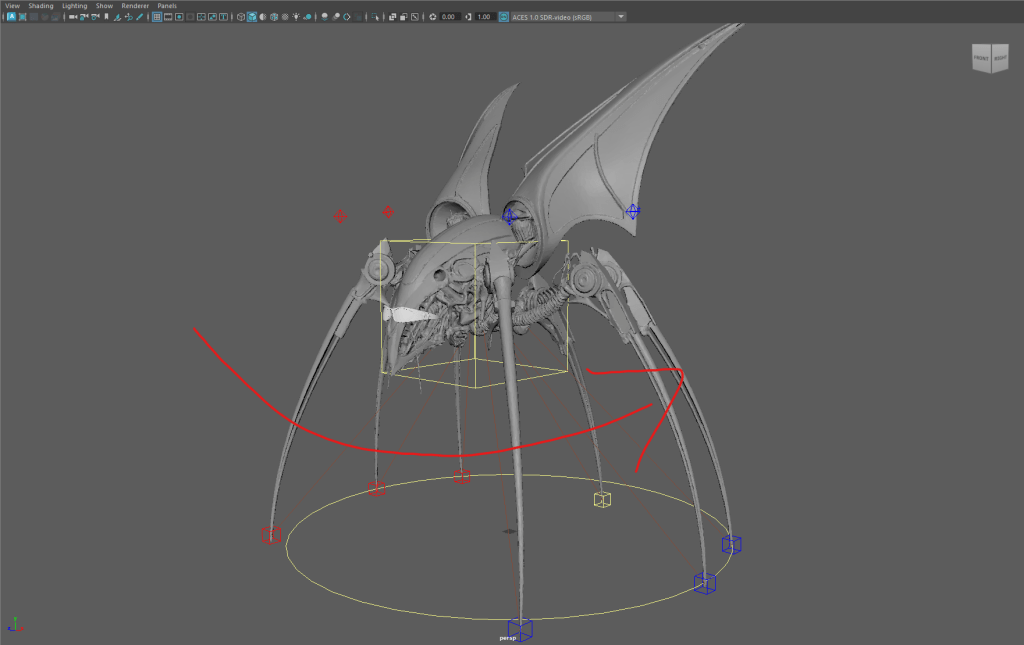
    To bake animation keyframes into the FBX, I have to fundamentally alter the rigging process to support our goals. Instead of creating control rigs and animating the spiders in the Unreal Engine sequencer, I now have to build the inverse kinematic system in Maya, then create loop animations, and finally bake the animations into the character’s joints.
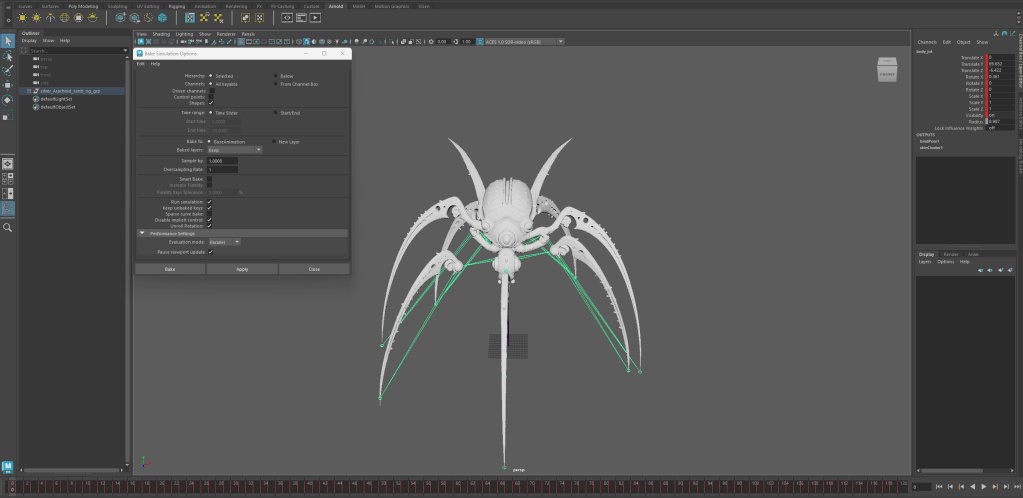
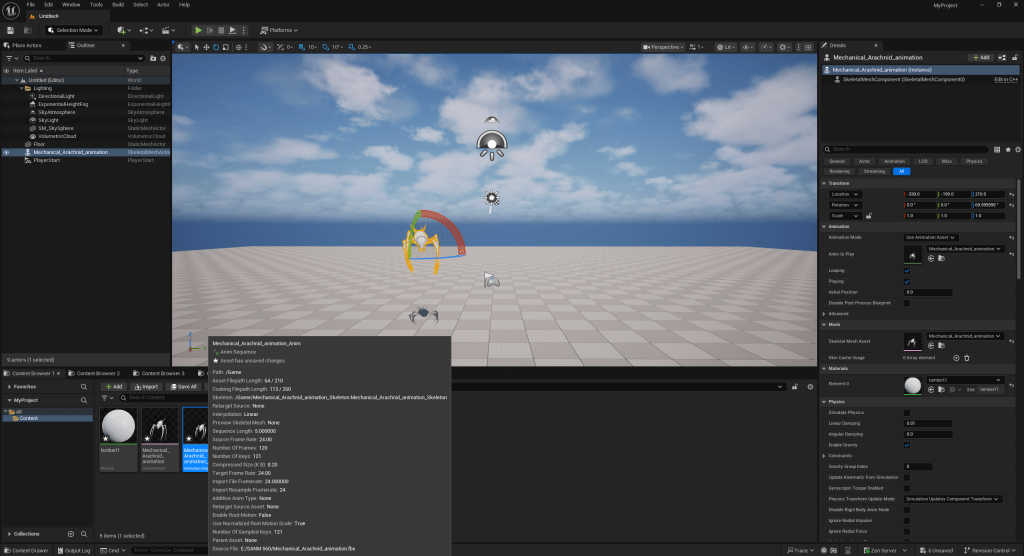
    Once the animation is properly baked into the FBX, I load the spider animations into Unreal to double-check they work as expected before handing them off to Bua for the final iteration of the salt flats environment for our XR stage shoot.
  • SCAD x CATT x Harbor x ETC

    Team Members

    Anna Goodwin – Project Manager/Look Dev/Lighting

    Robyn Roach – VFX Supervisor/Compositing

    Danci Shen – Look Dev/Virtual production

    Bua Kanjanapongporn – Look Dev/ Lighting

    Sheng Hao Wang – Real Time Pipeline/Lighting

    1/26

    Hello, this is the Third week of the SCAD x CATT x Harbor x ETC blog!

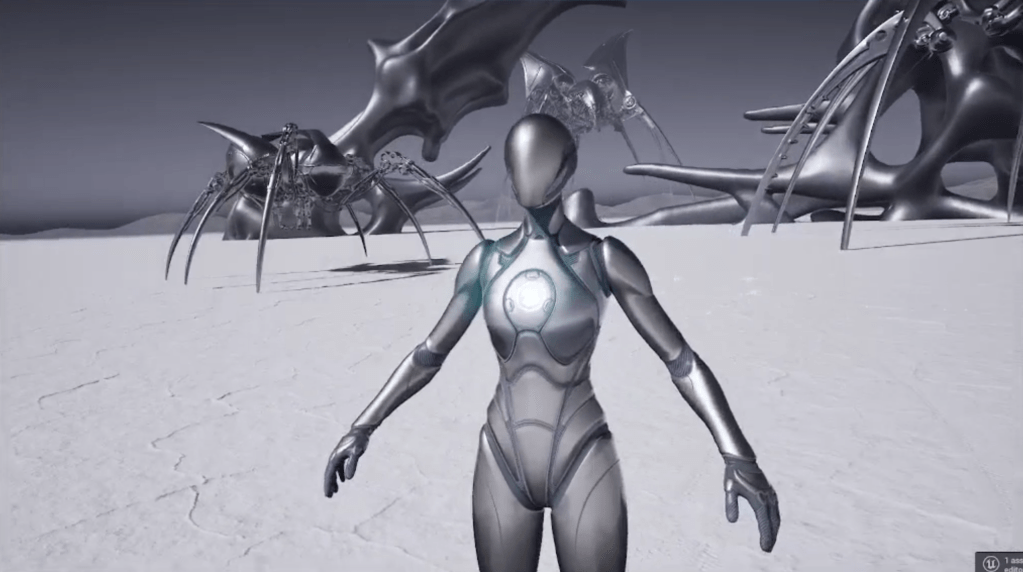
    Based on the mentor’s feedback, the team leans heavily toward surreal environments for the three XR stage shots. The spider’s image in our concept has been frequently pointed out by the mentor as the direction we should take with our XR set dressing. Based on the feedback, the team decided the spiders need to be rigged and animated.

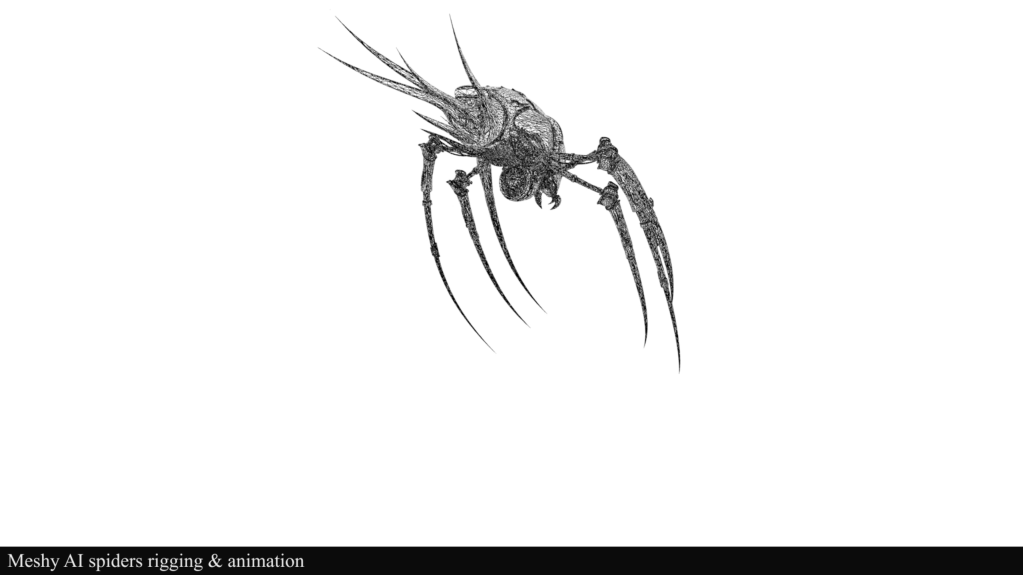
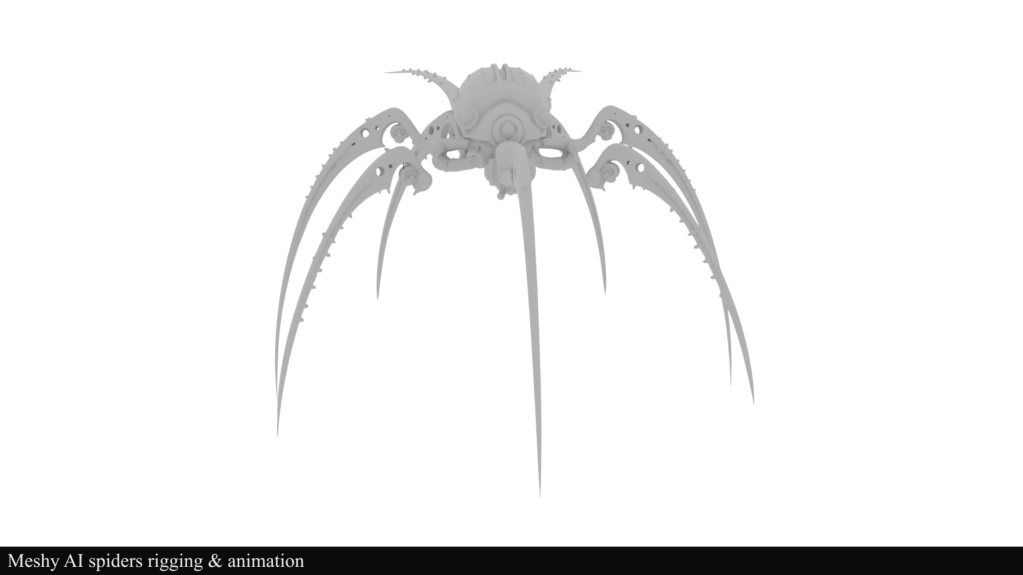
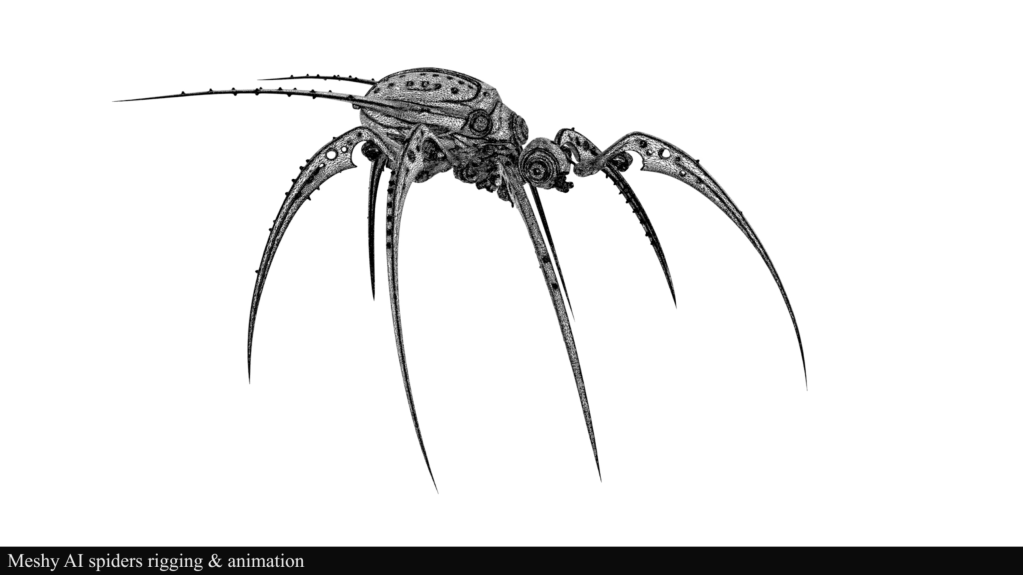
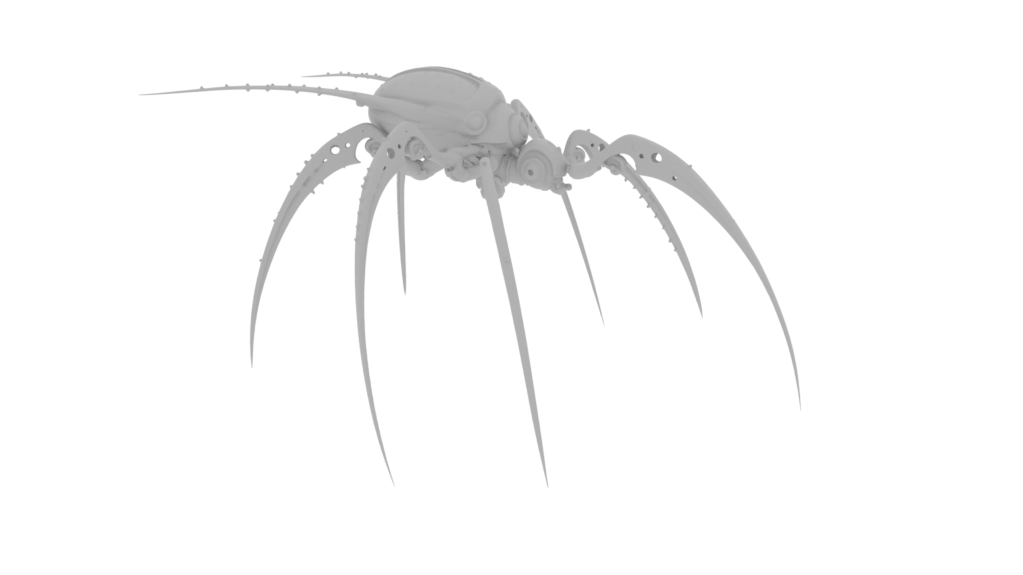
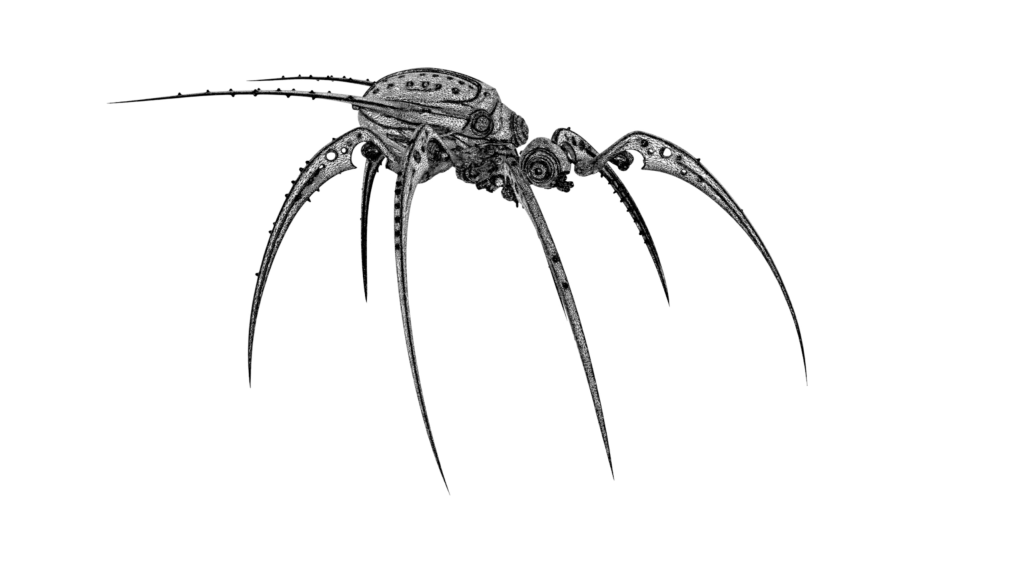
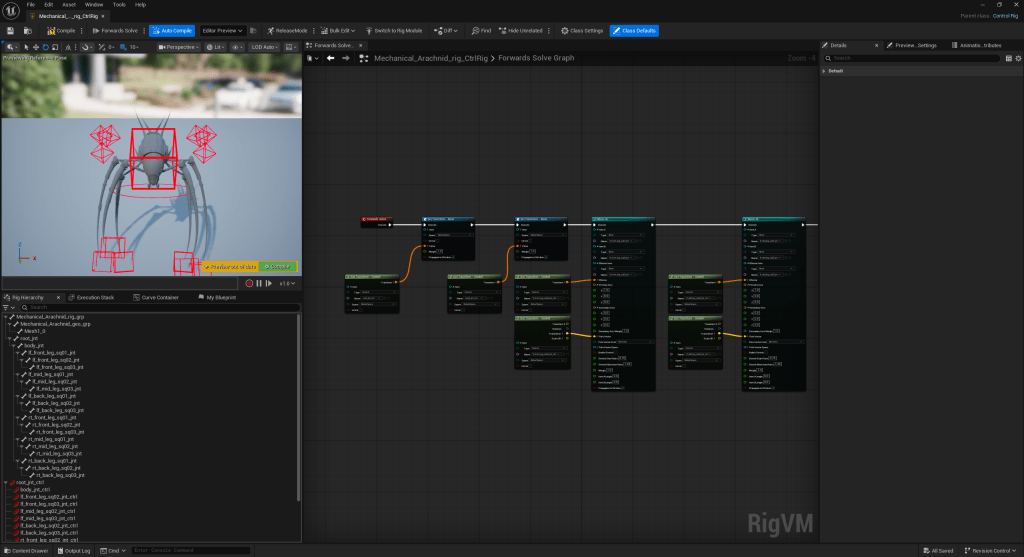
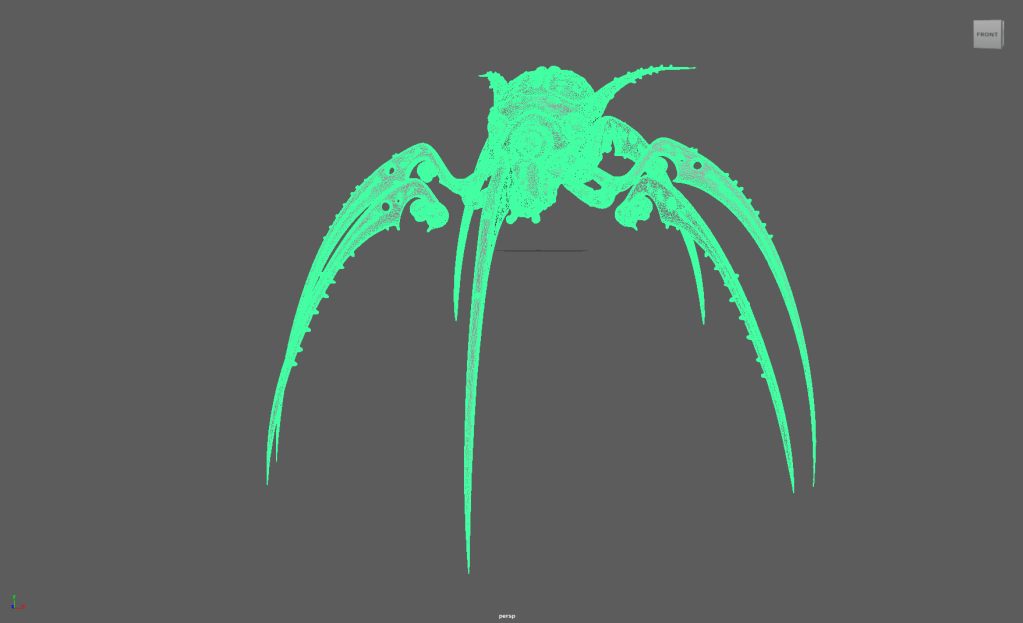
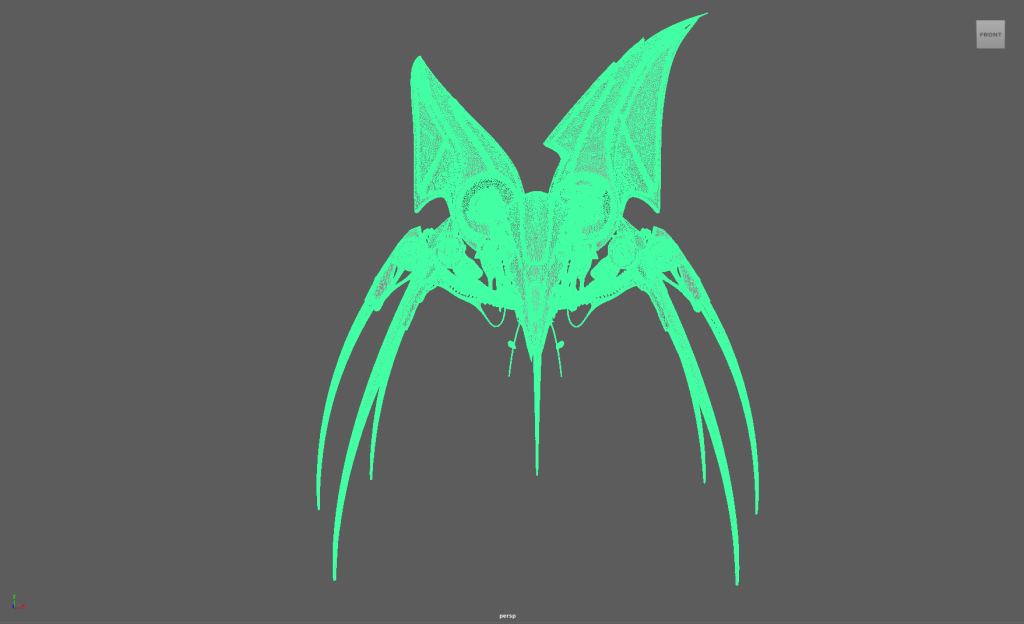
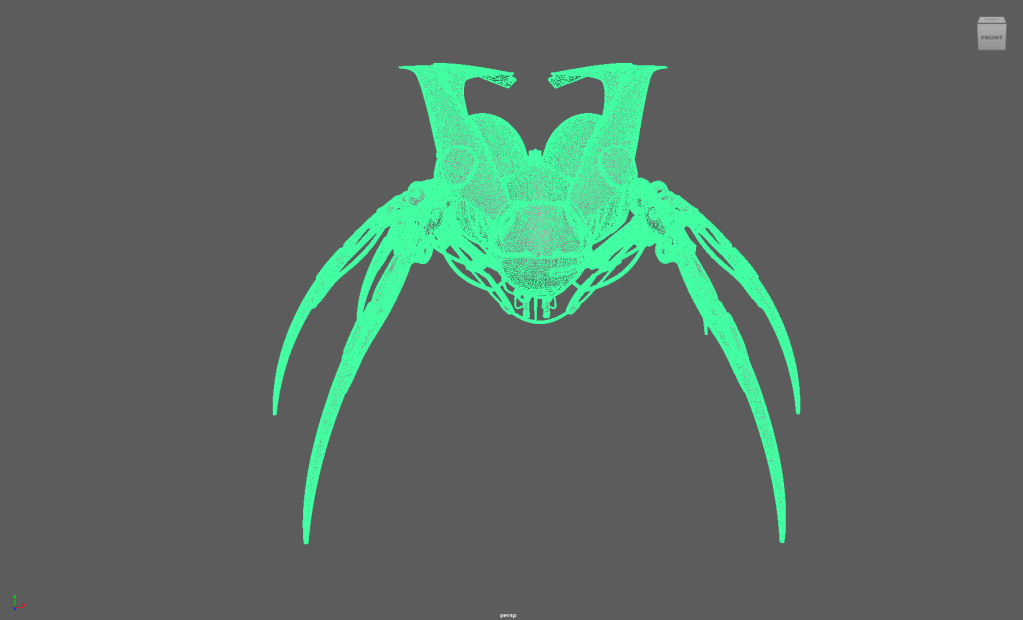
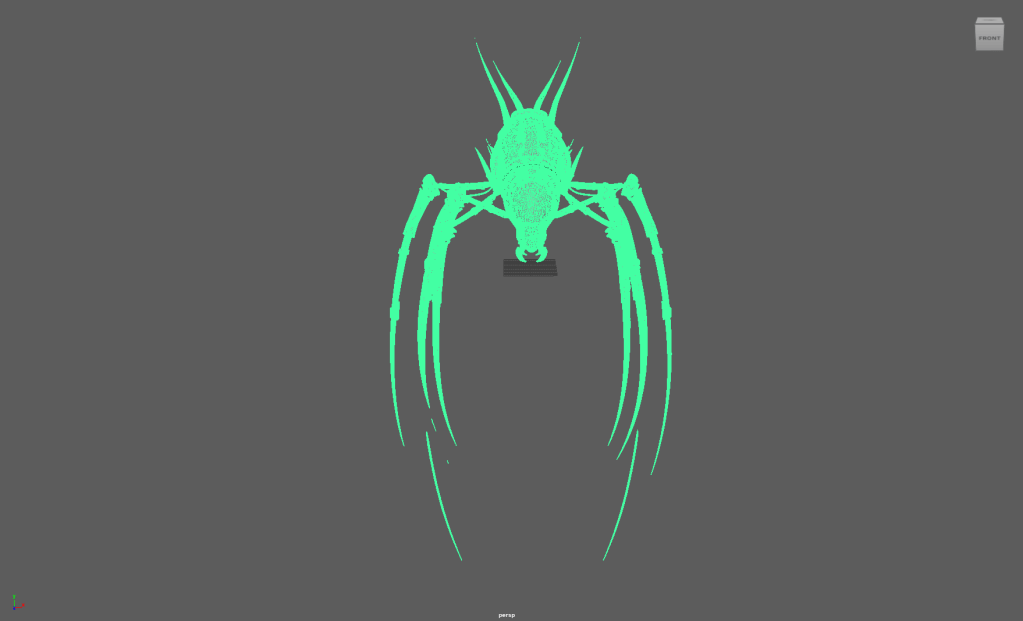
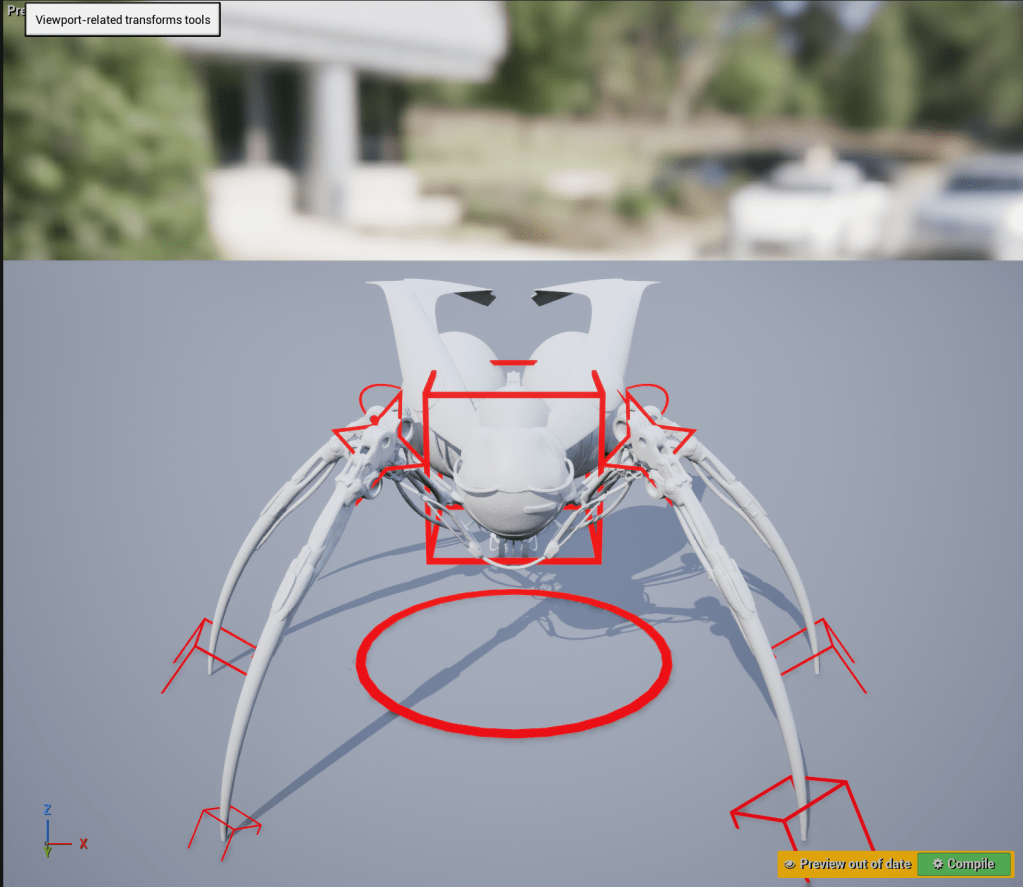
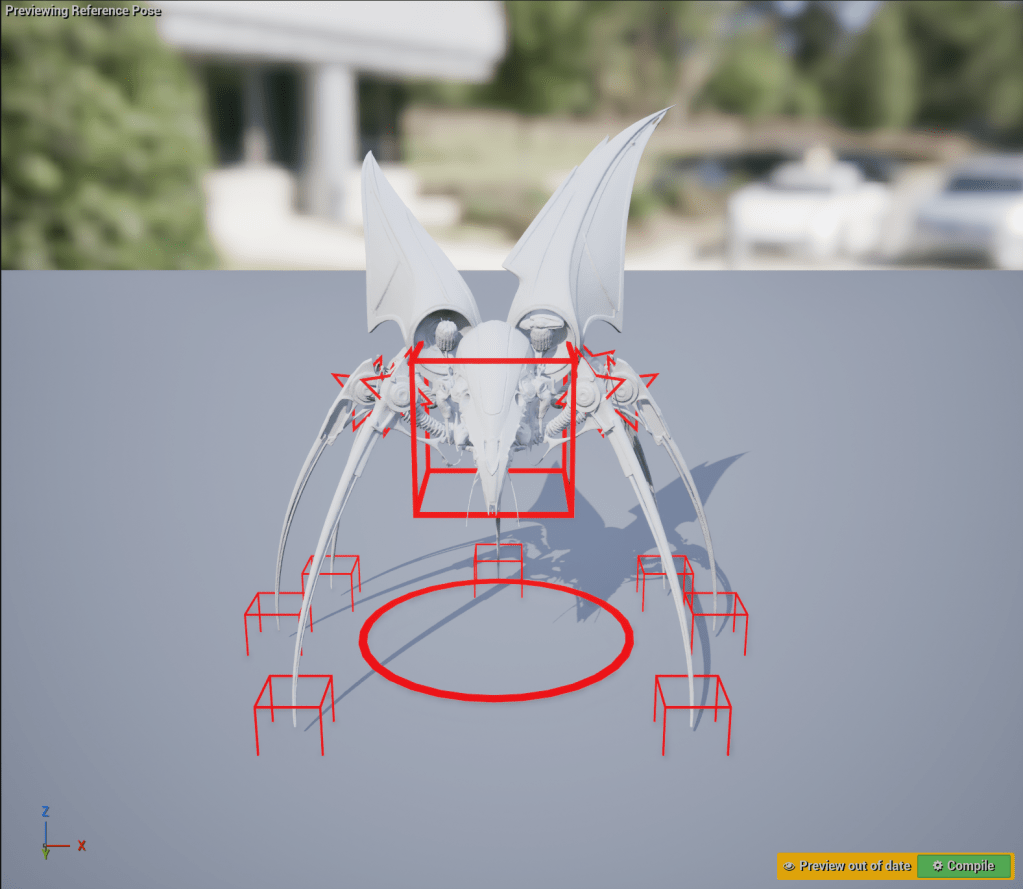
    I began by cleaning up and reducing the polygon counts of the four spiders Robyn generated with Meshy AI. Next, I set up the joint structure and skin binding to function in Unreal. Once that was done, I exported the rigs as FBX files and loaded them into Unreal Engine to set up control rig systems, which would facilitate Inverse Kinematics setup and speed up the animation process.

    After setting up the spiders’ control rigs in Unreal Engine, I bring them into the sequencer to add keyframes to the spider control rigs to help set dressing the salt flat environment.

  • SCAD x CATT x Harbor x ETC

    Team Members

    Anna Goodwin – Project Manager/Look Dev/Lighting

    Robyn Roach – VFX Supervisor/Compositing

    Danci Shen – Look Dev/Virtual production

    Bua Kanjanapongporn – Look Dev/ Lighting

    Sheng Hao Wang – Real Time Pipeline/Lighting

    1/19

    Hello, this is the second week of the SCAD x CATT x Harbor x ETC blog!

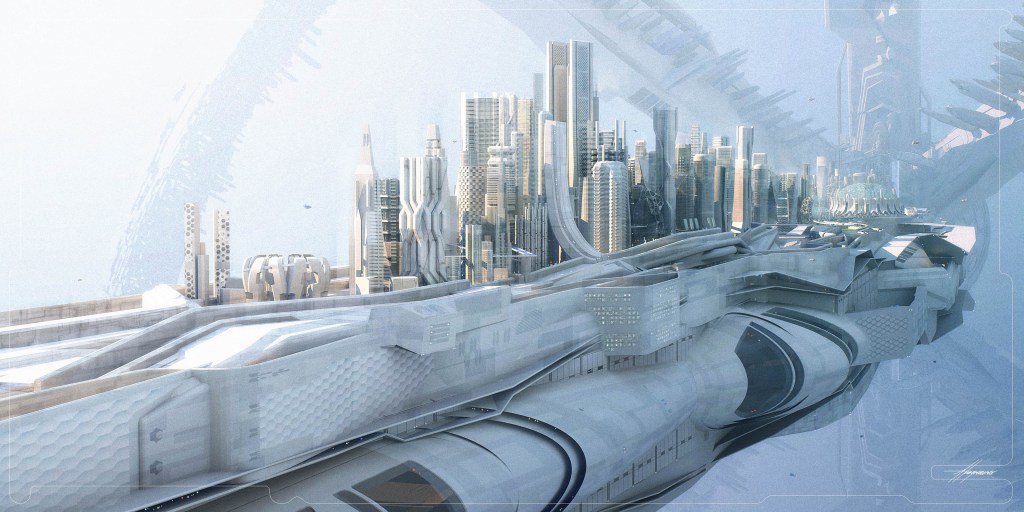
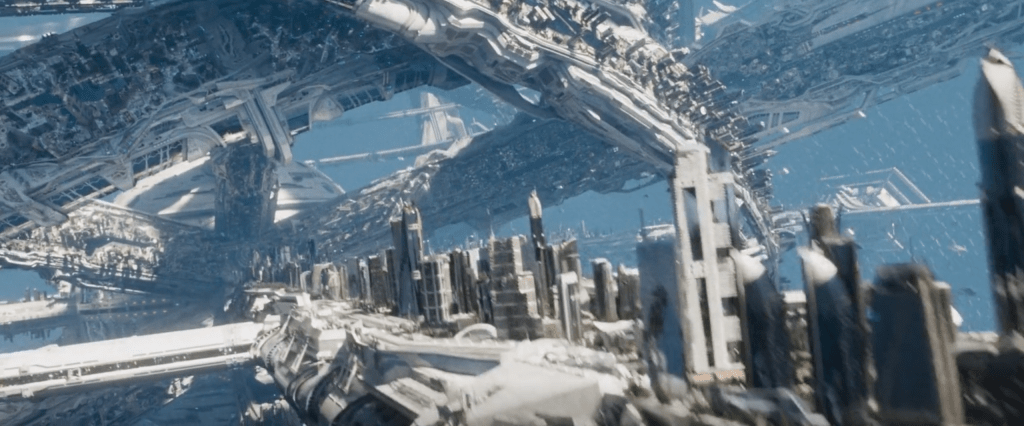
    After the project pitch to the mentors, the team took the feedback on board and began creating our project environment in Unreal Engine. Based on the mentor’s feedback on locking our color palette to monochrome, the team starts by looking for reference images and assets that would fit the monochromatic look, and during this process, I remember Star Trek Beyond’s Yorktown has the monochromatic quality, and upon further search, I found the concept art of Yorktown done by Sean Hargreaves, Senior Concept Designer during Star Trek Beyond’s production as our reference.

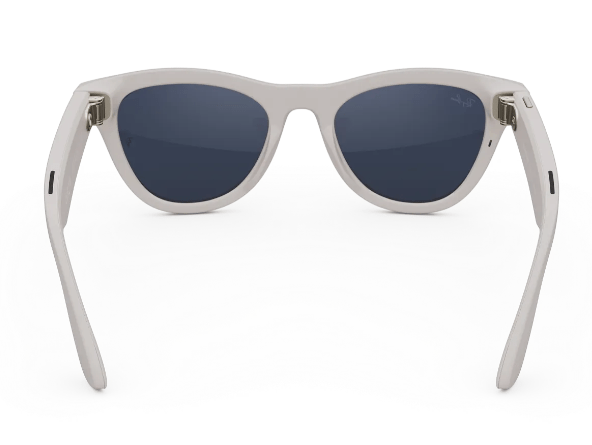
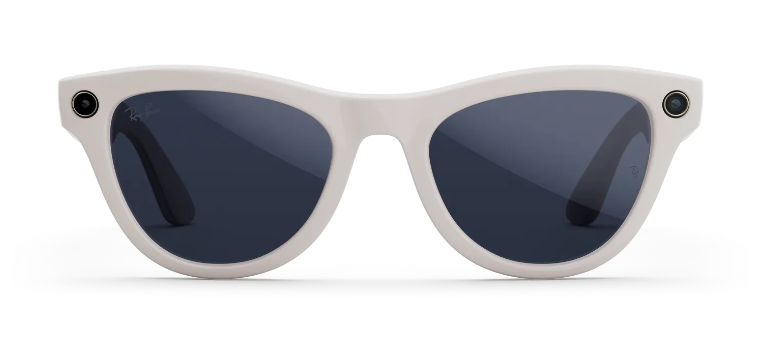
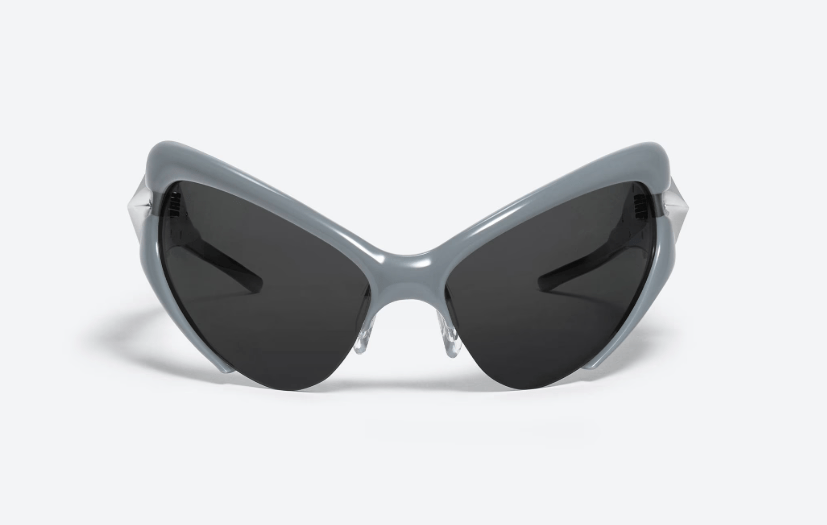
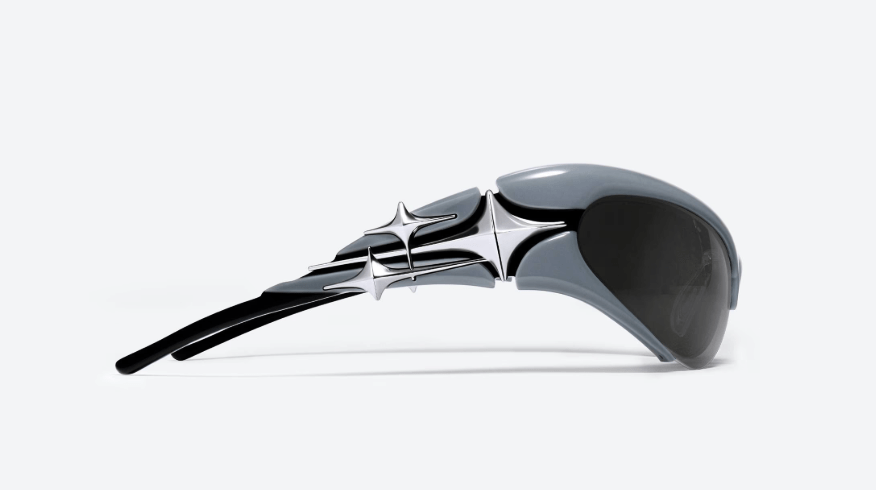
    The next major task for the team is to create and acquire the assets needed to complete the project, and I was tasked with modeling and rigging the digital double of the glasses for Unreal Engine. After the pitch, our team acquired the physical glasses that would serve as the basis for our digital double.

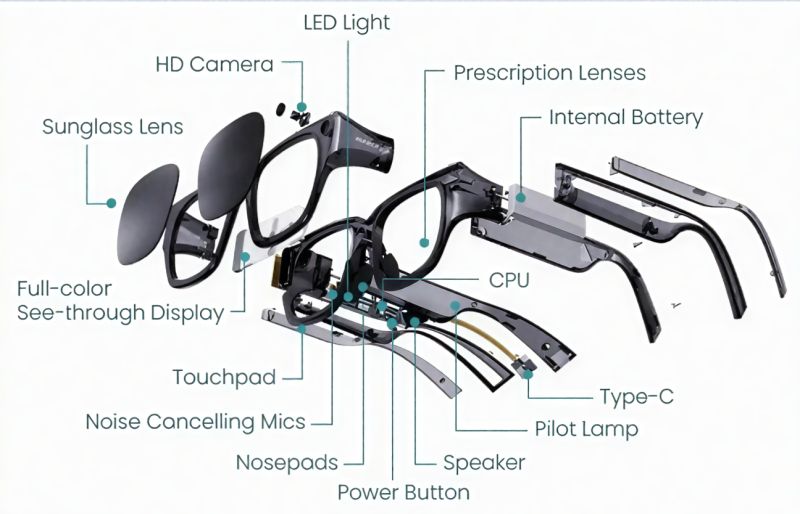
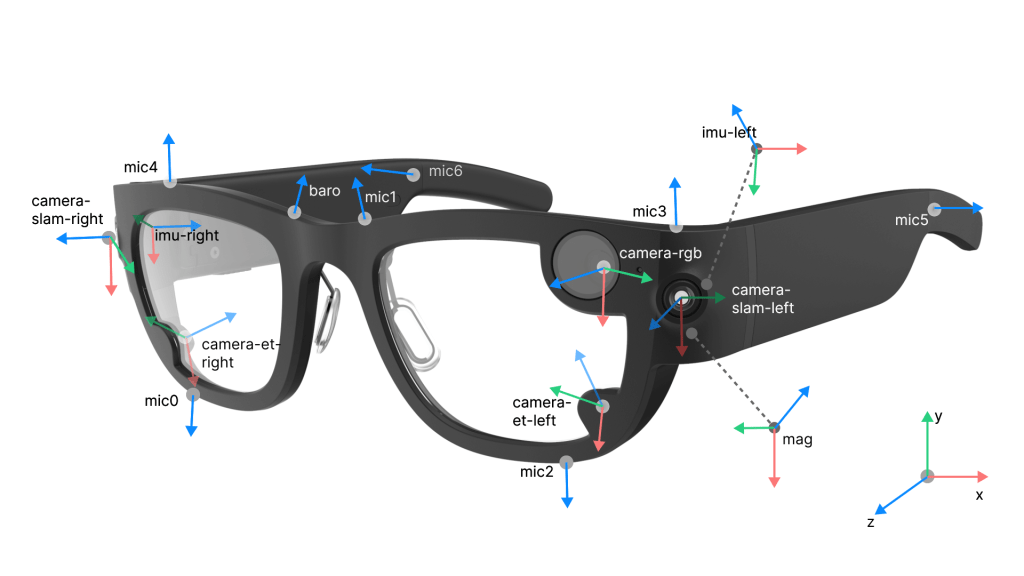
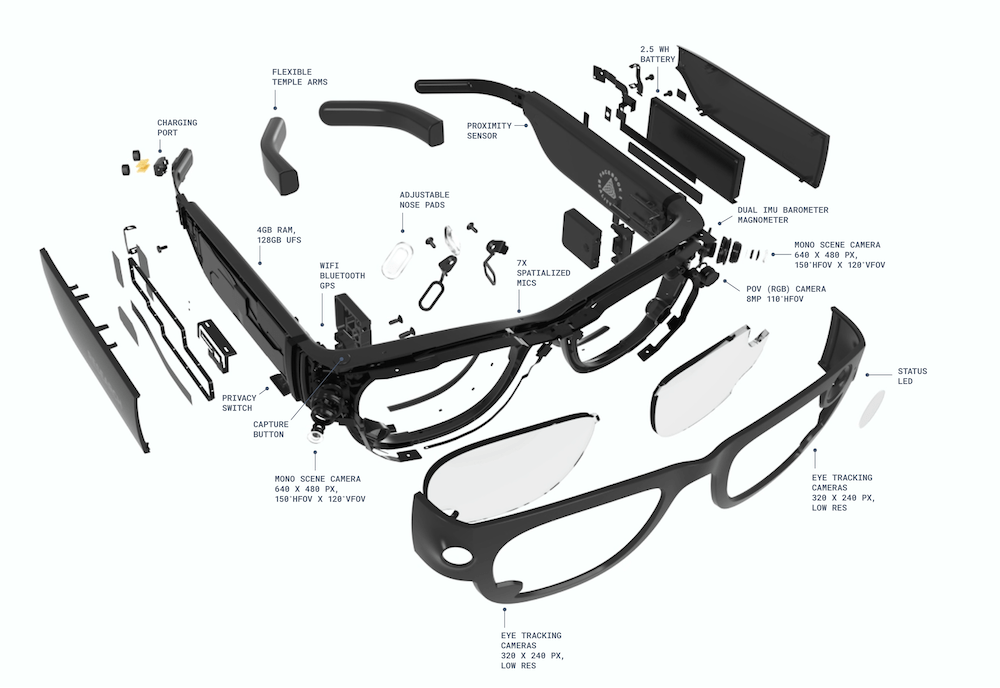
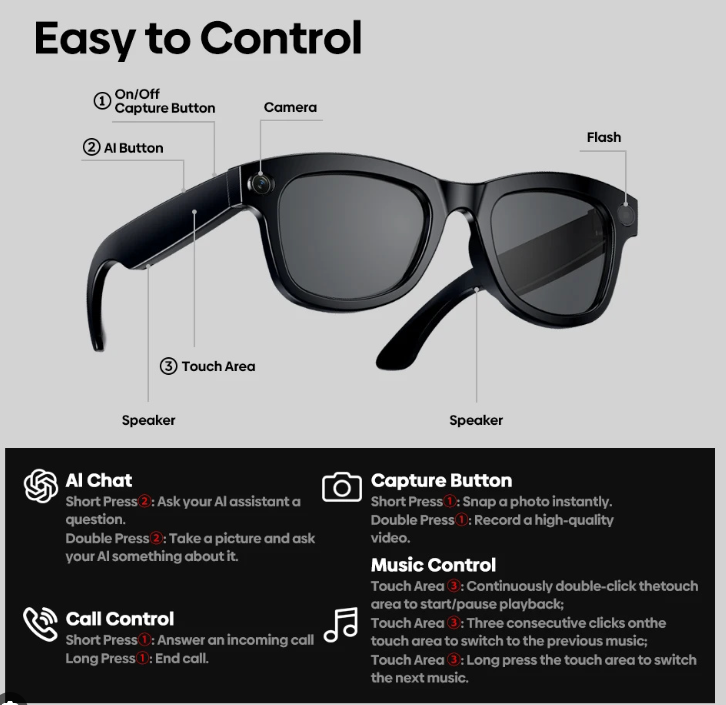
    I started by creating a digital model of the physical glasses the team provided. Once the baseline modeling was completed, I added AI glasses components based on the AI glasses diagram and breakdowns from different AI glasses companies.

    Once the modification processes were complete, I handed the model file to the rest of the team members to work on texturing, look dev in the engine, and asset testing. At the same time, I work on the AI glasses’ rigging, which will allow us to animate them disassembling into components.

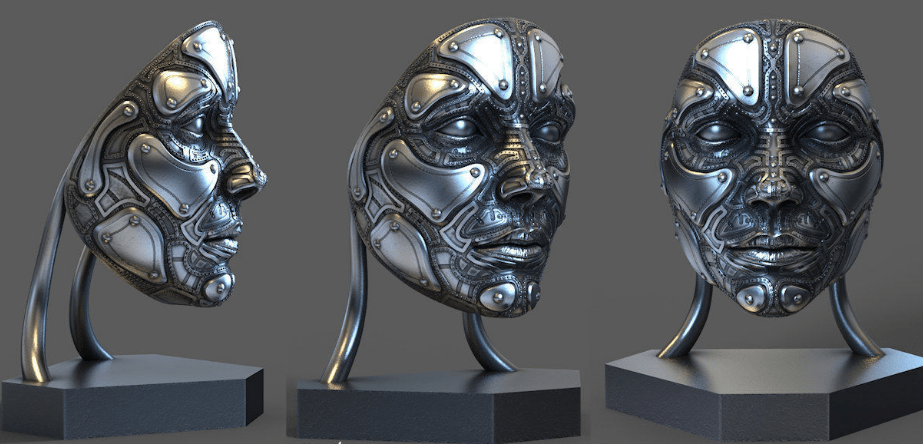
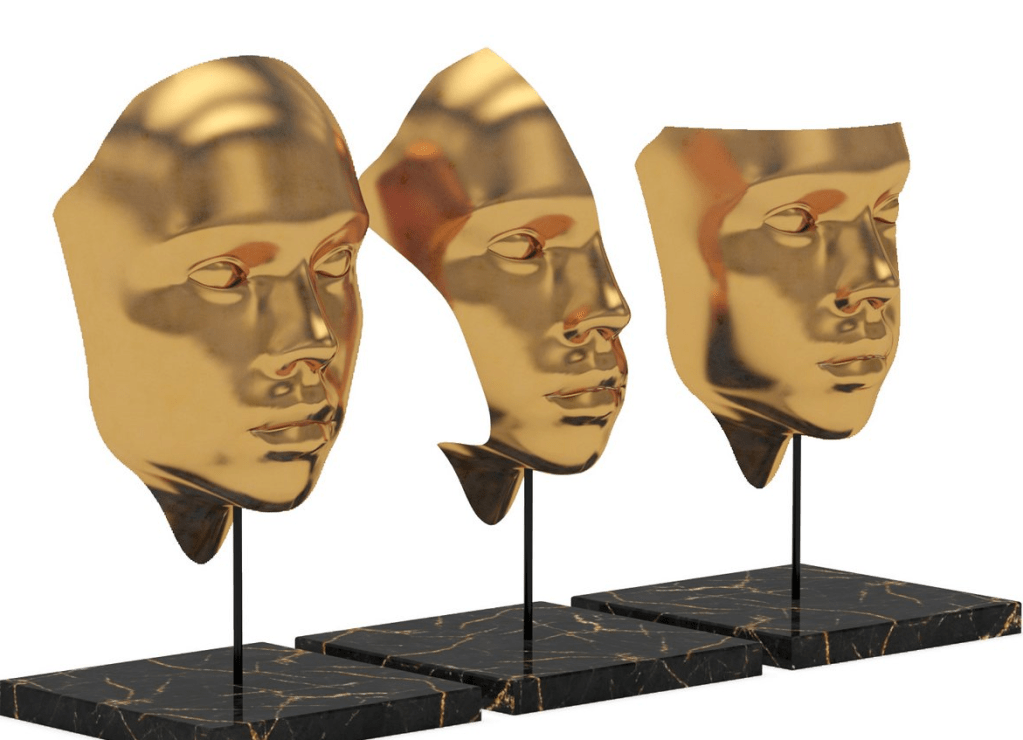
    Over the weekend, the entire team also helped look for assets that give the Genetle Monster its weird, creepy look, and on the front, I found two assets that fit the aesthetics.  

  • SCAD x CATT x Harbor x ETC

      Team Members

      Anna Goodwin – Project Manager/Lighting

      Robyn Roach – Look Dev/Compositing

      Danci Shen – Look Dev/Virtual production

      Bua Kanjanapongporn – Look Dev/ Lighting

      Sheng Hao Wang – Real Time Pipeline/Lighting

      1/11

      Hello, this is the first week of the SCAD x CATT x Harbor x ETC blog!

      Our team begins by brainstorming project ideas that meet the collaboration requirements. Each member suggests ideas for a tech product to feature in the commercial. We soon decide on a concept: combining Gentle Monster, a fashion eyewear brand, with AI-powered smart glasses.

      Research

      Once the team narrows down the tech product for the commercial, Anna delegates individual tasks to each team member in order to complete the previs for the pitch in the second week. And I was assigned to help with research on integrating AI glasses with Gentle Monster glasses.

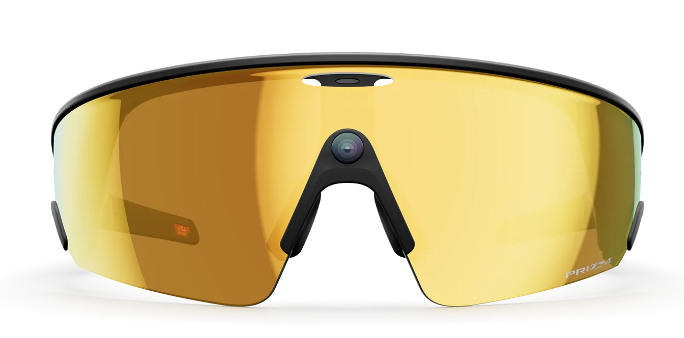
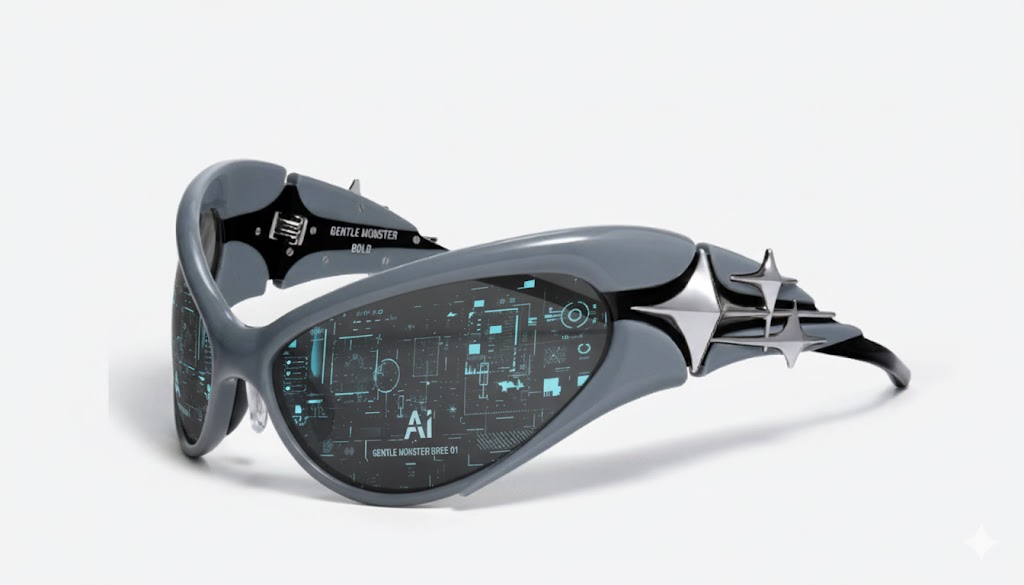
      I began the research by examining the major components of AI glasses, including the camera, microphone, speaker, and interactive functions, and looking into possible ways of adding those components to the sleek frame of Gentle Monster glasses.

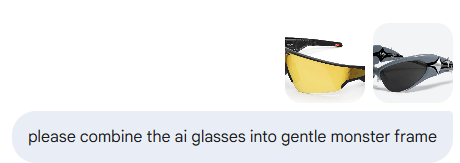
      While looking for ways to combine the glasses, I used Google’s Gemini AI to generate possible outcomes, and it yielded interesting results.

      Weekend Team Meeting/Work Session

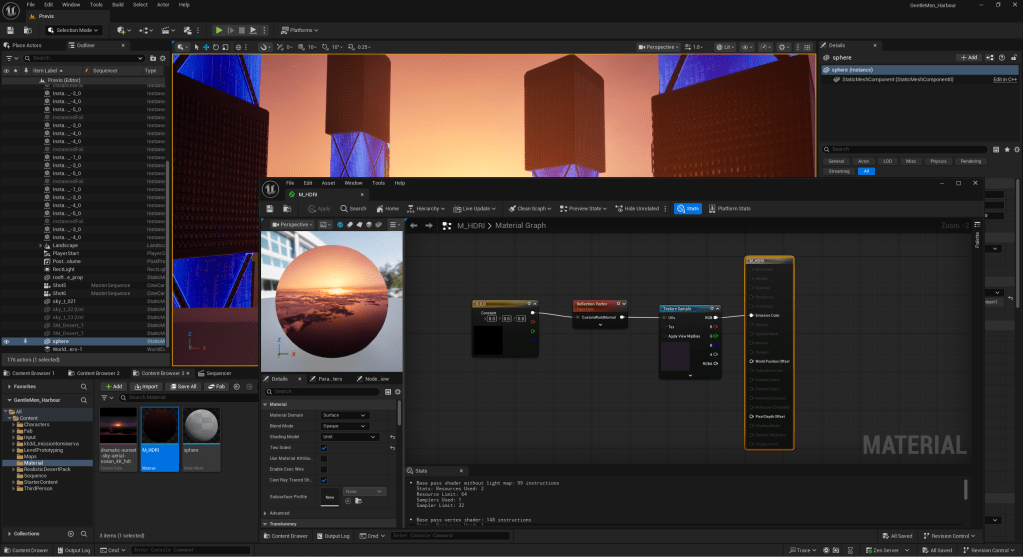
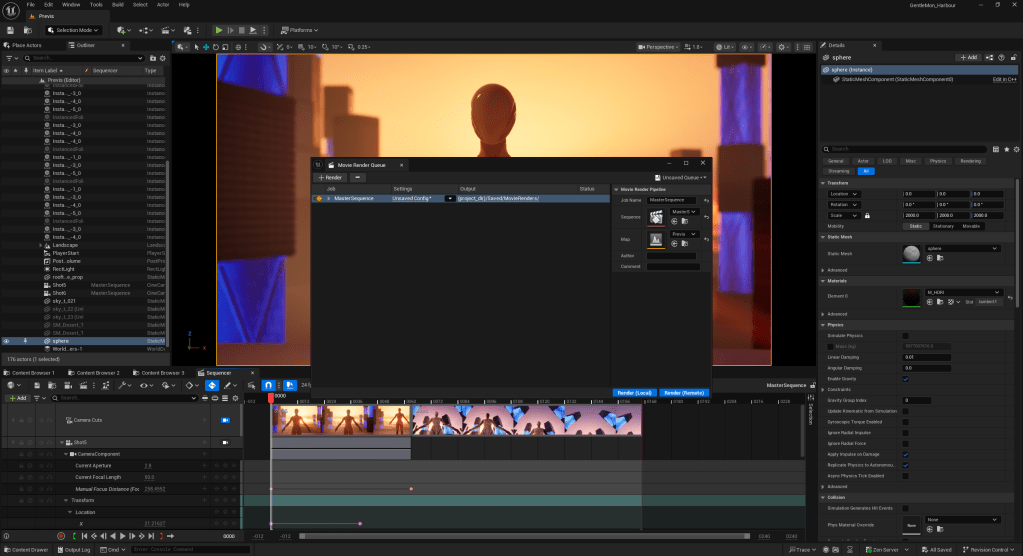
      On the weekend meet-ups, we went over the materials each team member produced and reviewed the inspirations the team found. In the meeting, we gradually combined Bua’s storyboard, Anna’s mood board, and inspiration images/videos into our previs storyboard, and then set up the scenes corresponding to each shot in Unreal Engine. While setting up shots in Unreal Engine, I was tasked with procuring and setting up HDRI in Unreal, identifying the assets needed for the previs environment, and helping with Unreal rendering.